Best email MCP servers (2026): 7 top picks compared

 Tania, Compliance Support and Radvilė, Head of Growth
Email MCP servers let AI tools like Claude, ChatGPT, and Cursor work inside your email platform. They can draft campaigns, analyze performance, clean up your subscriber list, and build automations for you.
If you send newsletters, run an online store, or send order confirmations and password resets from your website, your platform probably has one already. The question is which one fits how you work, because “has an MCP server” can mean anything from viewing your stats to building and sending a full campaign.
We compared 7 servers on what the AI can actually do, what stops it from doing something you didn’t mean, and how much setup it takes. Everything is based on each vendor’s own documentation, checked for the most recent updates.
Best for email marketing: MailerLite has the best email MCP server for email marketing, with Klaviyo and Brevo as strong picks for e-commerce and multichannel teams
Best for transactional email: MailerSend has the best MCP server for transactional email, with Mailgun for teams who want a locally run server
Best for working inside an inbox: Gmail's official server for drafting, AgentMail for agents that need their own inbox
What is an email MCP server?
An email Model Context Protocol (MCP) server connects an AI tool to your email platform, so you can perform tasks and analyze your marketing data with natural language prompts without ever opening your email tool. Depending on the server, your AI can:
Analyze your campaign results and subscriber activity
Draft and build email campaigns
Create and edit automations
Organize subscribers into groups and segments
Send emails and check whether they were delivered
Set up sending domains and troubleshoot delivery problems
Search, read, and draft replies in an inbox
Some servers only read your data, some can draft but not send, and a few can run a campaign from start to finish.
How we chose these 7 email MCP servers
We only included official MCP servers, built and maintained by the email company itself, with public documentation we could check. That ruled out community-built servers, since nobody is accountable for keeping them secure or up to date.
From there, we picked the strongest options for three different jobs:
Email marketing: MailerLite, Klaviyo, and Brevo, which cover newsletters and creators, e-commerce, and multichannel teams using SMS, WhatsApp, and CRM
Transactional email: MailerSend and Mailgun. MailerSend’s MCP server is hosted, so you just sign in to connect. Mailgun’s runs locally on your own machine.
Inbox access and AI agents: Gmail for drafting in your own inbox, and AgentMail for agents that need an inbox of their own
| Server | Category | How far the AI can go | Safety controls | Setup | Plan availability |
|---|---|---|---|---|---|
| MailerLite | Email marketing | Send (with your confirmation) | Drafts first; confirmation before sends and deletes | Sign in, no API key | Included on the Free plan |
| Klaviyo | Email marketing (e-commerce focused) | Send | Optional read-only mode, scoped access, and a customer-content filter | Sign in; Owner, Admin, or Manager role | Included on the Free plan |
| Brevo | Email marketing, SMS, WhatsApp, and CRM | Send SMS and WhatsApp campaigns; email sending not specified | Individual module servers | MCP API key in config file | Included on the Free plan |
| MailerSend | Transactional | Send | Choose the account and review permissions when connecting | Sign in, no API key | Included on the Free plan |
| Mailgun | Transactional | Read, update, and send; no delete | No delete tools; API key never shown to the AI | Local install (Node.js) + API key | Included on the Free plan |
| Gmail | Inbox | Read and draft; can't send | No send tool; read and compose permissions only | Google Cloud project + OAuth; preview membership | Developer Preview only |
| AgentMail | Inbox for AI agents | Send, receive, and reply | Allow and block lists; human verification before sending | Sign in or API key, depending on the AI tool | Included on the Free plan |
Best email MCP servers for marketing email
These servers connect your AI tool to the marketing side of email: your subscribers, campaigns, segments, and automations. They’re the right fit if you send newsletters, promotions, or automated emails to a list of people who signed up.
1. MailerLite: Best overall for email marketing

MailerLite’s MCP server lets you run your newsletter, list, and automations by asking your AI tool. You can analyze campaign results, build campaigns, organize subscribers into groups and segments, and create, dry-run, test, and edit automations, all by asking.
Setup: Setup is super easy. You need to first connect the server to the AI tool and then authorize/sign in to MailerLite. The quickest way to connect is with the MailerLite apps for Claude and ChatGPT. Add MailerLite from the app directory in either tool, then sign in to your MailerLite account to authorize it. No downloads, code, or API keys needed. MailerLite also works with Claude Code, Gemini CLI, VS Code, Cursor, and any other MCP-compatible tool through one server URL.
You stay in control: Campaigns are always created as drafts, and nothing sends without your confirmation. Before you approve, the AI tells you how many people the campaign will reach. Deleting a subscriber, campaign, or automation also needs your confirmation.
What it can do: The developer docs list 70+ tools across subscribers, campaigns, groups, segments, custom fields, forms, automations, templates, e-commerce, and webhooks. Here are some tasks it can do:
Build campaigns: create draft campaigns, generate email content, and get subject line suggestions
Organize subscribers: add, update, and sort subscribers into groups and segments, and manage custom fields
Build and manage automations: build an automation with you step by step, turn it on or off, add condition and A/B split steps, and add actions that move subscribers between groups or update their fields
Fine-tune automation emails: read the emails inside an automation, edit their content and subject lines, set each email’s sender, reply-to, and preheader, and adjust delays and re-entry rules
Test before you go live: dry-run an automation without sending anything, and send test emails to yourself first
Analyze performance: pull campaign results, see which links got clicked and by whom, and get sent, open, click, and unsubscribe stats for a whole automation or each email in it
Run forms and e-commerce: create signup forms and manage shops, products, orders, and carts
MailerLite MCP in practice: Gerrit van den Berg runs Hidden Holland, a website that helps travelers plan trips to the Netherlands. He connected MailerLite to Claude and set up a scheduled task that analyzes his previous week's email marketing and posts the summary in Slack every Monday morning. He also built a 10-email automation just by describing it, including triggers and delays.
I love the MCP so much. I connected most of my important tools in Claude, including WordPress, MailerLite, Google Analytics, my email client, and Google Search Console. This gives me an overall picture of how my business is performing and helps me do more work.
Read the full Hidden Holland story:

Pricing: Free for up to 2,500 monthly emails and 250 subscribers. Paid plans start at $12/month for up to 5,000 monthly emails and 500 subscribers.
Pros:
Sign-in setup with no API keys
Features in the official ChatGPT and Claude directories
The only server on this list that can build, edit, dry-run, and test full automations, including conditions, A/B splits, and re-entry rules
MCP included on the Free plan
Cons:
Built for marketing email, not app or transactional email (that's MailerSend)
No read-only mode, so connecting gives the AI access to manage your account
2. Klaviyo: Best for e-commerce campaigns
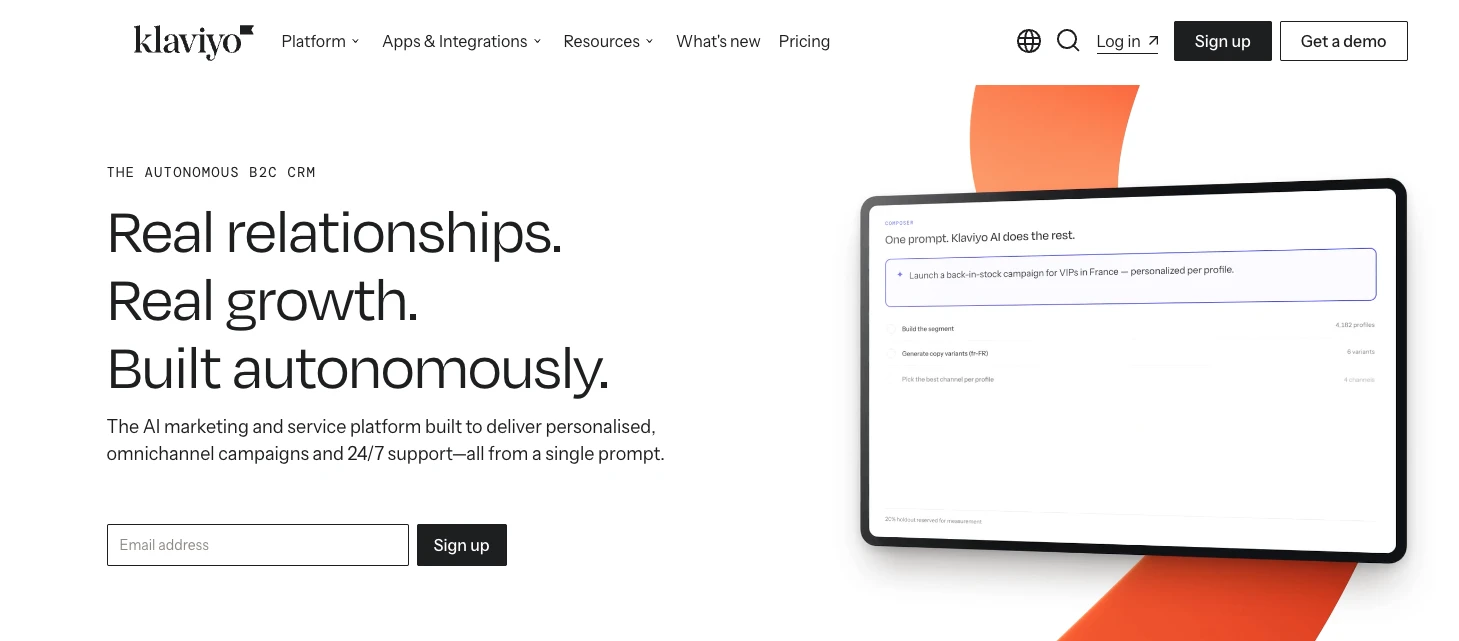
Klaviyo's MCP server has the largest tool set on this list, with more than 260 tools, and it's available to all Klaviyo customers. If you run an online store, your AI can work across customer profiles, product catalogs, coupons, reviews, and campaign reporting in one conversation.
Setup: Klaviyo hosts the server, so you connect by signing in, with nothing to install. There are official Klaviyo apps for Claude and ChatGPT, and you'll need an Owner, Admin, or Manager role in Klaviyo.
What it can do:
Analyze performance: pull campaign and flow reports, query revenue and other metrics, and track form and segment growth
Understand customers: look up profiles, list and segment membership, and event history
Run campaigns: create campaigns, build HTML or drag-and-drop templates, and send a campaign to its audience
Build and organize: create flows, lists, and segments, and add or remove profiles from lists
Manage store data: update catalog items, create coupon codes, and upload images
Pricing: Free for up to 500 monthly emails and 250 subscribers. Paid plans start at $20/month for up to 5,000 monthly emails and 500 subscribers.
Pros:
Largest tool set on this list, with deep e-commerce data
Optional read-only mode, scoped access, and a filter that hides customer-written content from the AI
API Analytics shows which tools were called and whether data was read or written
MCP included on the free plan
Cons:
Safety settings are opt-in, added as settings to the server address when you set up a custom connection
Connecting requires an Owner, Admin, or Manager role
Built mainly around e-commerce data, such as catalogs, coupons, and reviews
Its MCP tools can't dry-run or test-send a flow or use flow templates
3. Brevo: Best for email, SMS, WhatsApp, and CRM in one place
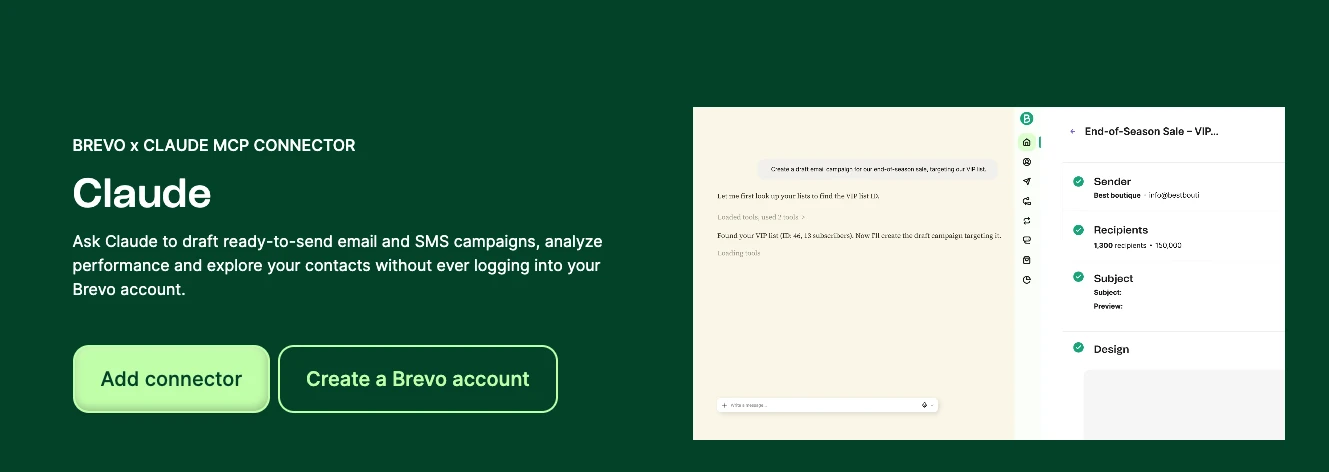
Brevo’s MCP server covers email, SMS, WhatsApp, and CRM in one server. It has 193 tools, built from Brevo’s API. These tools are grouped into 27 modules that you can connect together or use individually.
Setup: Brevo hosts the server. You generate an MCP API key in your Brevo settings and add it to your AI tool's configuration. Setup is documented for Claude Desktop, Claude Code, Cursor, Windsurf, VS Code, and Cline.
What it can do:
Email marketing: create and manage email campaigns, view campaign performance, and manage marketing and transactional templates
Other channels: create and send SMS and WhatsApp campaigns
Contacts: manage contacts, lists, segments, and attributes, and import or export contacts in bulk
CRM: manage deals, companies, tasks, and pipelines, and add notes
Account admin: manage senders, domains, dedicated IPs, sub-accounts, users, and webhooks
Pricing: Free plan sends 300 emails a day, and paid plans start at $9 a month for 5,000 monthly emails with 500 contacts and web push to 1,000 subscribers.
Pros:
Email, SMS, WhatsApp, and CRM in one server
Individual module servers let you connect only what you need
Tools are generated from Brevo's API, so they keep pace with new features
MCP included in the free plan
Cons:
Setup uses an API key rather than signing in
No documented read-only mode or confirmation step before sending
Brevo’s documented modules don’t include automations, so building, dry-running, or testing automations isn’t covered
No documented ChatGPT setup, and Claude Desktop needs Node.js
Best email MCP servers for transactional email
Transactional emails are the non-marketing messages your website or app sends in response to something a person did, like placing an order, requesting a password reset, or making a purchase. Here, the AI’s job is less about writing newsletters and more about sending reliably, checking delivery, and fixing setup problems.
4. MailerSend: Best for transactional email
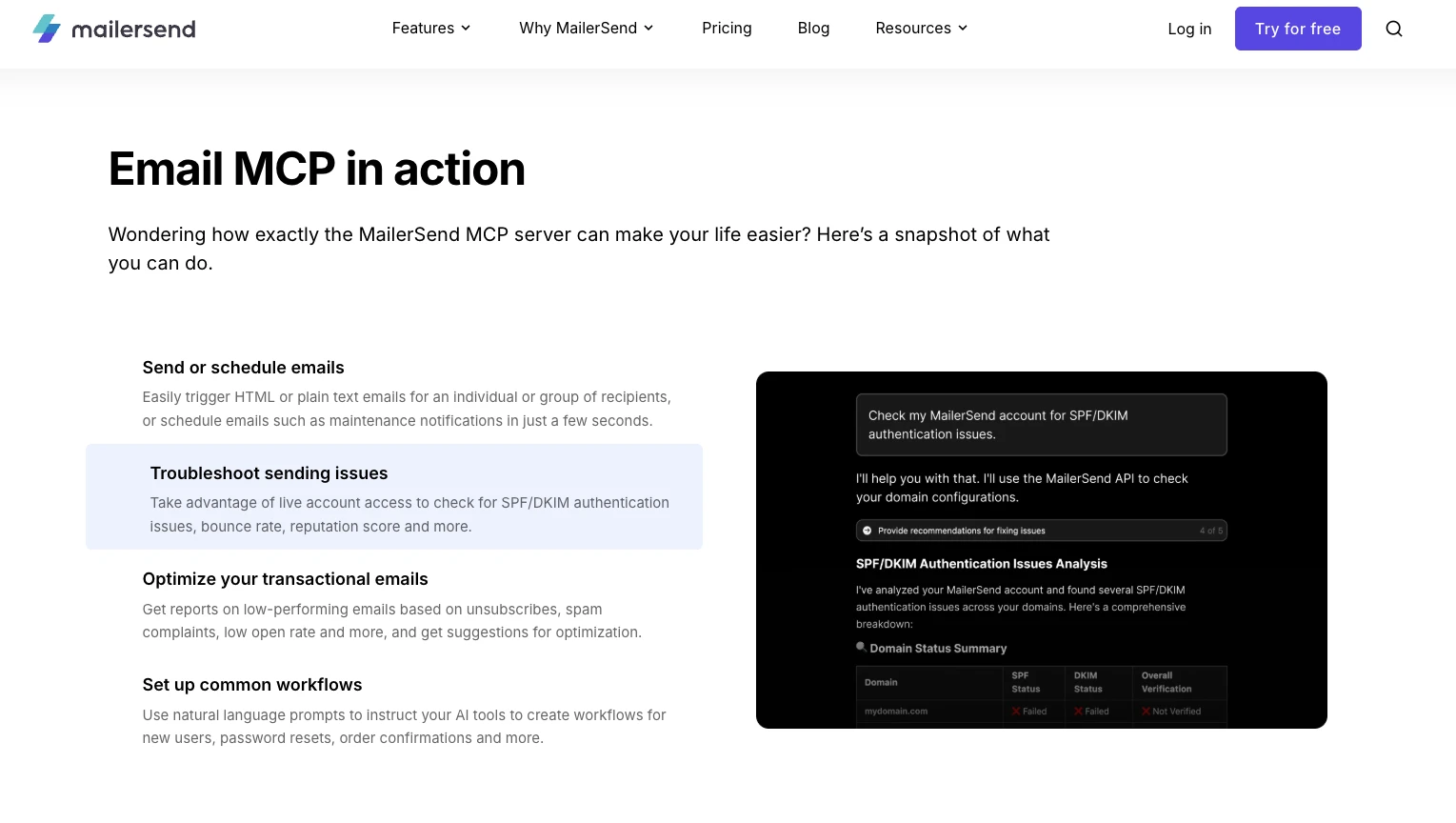
MailerSend's MCP server connects your AI tool to your sending account in real time. The server covers most of the MailerSend API; you can send email and SMS, fix delivery problems, and set up your account without leaving your code editor or chat. You focus on building your product. The AI handles the email setup, the delivery checks, and the reporting.
Setup: Sign in with your MailerSend account, choose the account to connect, and review the permissions before authorizing. There's nothing to download and no API key to copy. MailerSend is listed in Claude's connector directory, has one-click installs for VS Code and Cursor, and works with Claude Code, Gemini CLI, and ChatGPT (Pro or Plus, with Developer Mode).
What it can do: The developer docs list 127 tools covering sending, delivery and reputation, domain setup, email verification, analytics, team access, and SMS. Here's what that looks like in practice:
Send email and SMS: send single or bulk emails using your templates, schedule messages, and send SMS
Fix delivery problems: check email activity, bounces, spam complaints, and your domain’s DNS records to find out what went wrong
Set up your account: add and verify sending domains, and create SMTP users, sender identities, webhooks, and inbound routes
Protect your reputation: manage suppression lists, and set up DMARC and blocklist monitors for your domains and IPs
Clean your lists: verify single email addresses or whole lists before you send
Track performance: pull email analytics by date, country, and email client, and check how many API requests you have left
Manage your team: invite users, update their roles and permissions, and create API tokens with specific scopes
Pricing: Free for up to 500 monthly emails and includes email API and SMTP relay, drag & drop email builder, and email threads support. Paid plan begins from $7 per month for up to 5,000 monthly emails.
Pros:
Sign-in setup with no API key
The only transactional server on this list with DMARC monitoring, blocklist monitoring, and SMS through MCP
Quota and activity-range checks that cut down on failed requests
Listed in Claude's connector directory
Available on the free plan, with 500 emails a month
Cons:
No documented read-only mode, so connecting gives the AI access to manage your account
Templates can only be updated if they were created through the API
ChatGPT access needs a Pro or Plus plan and Developer Mode
Built for transactional email, not marketing campaigns (that's MailerLite)
5. Mailgun: Best for a locally run server
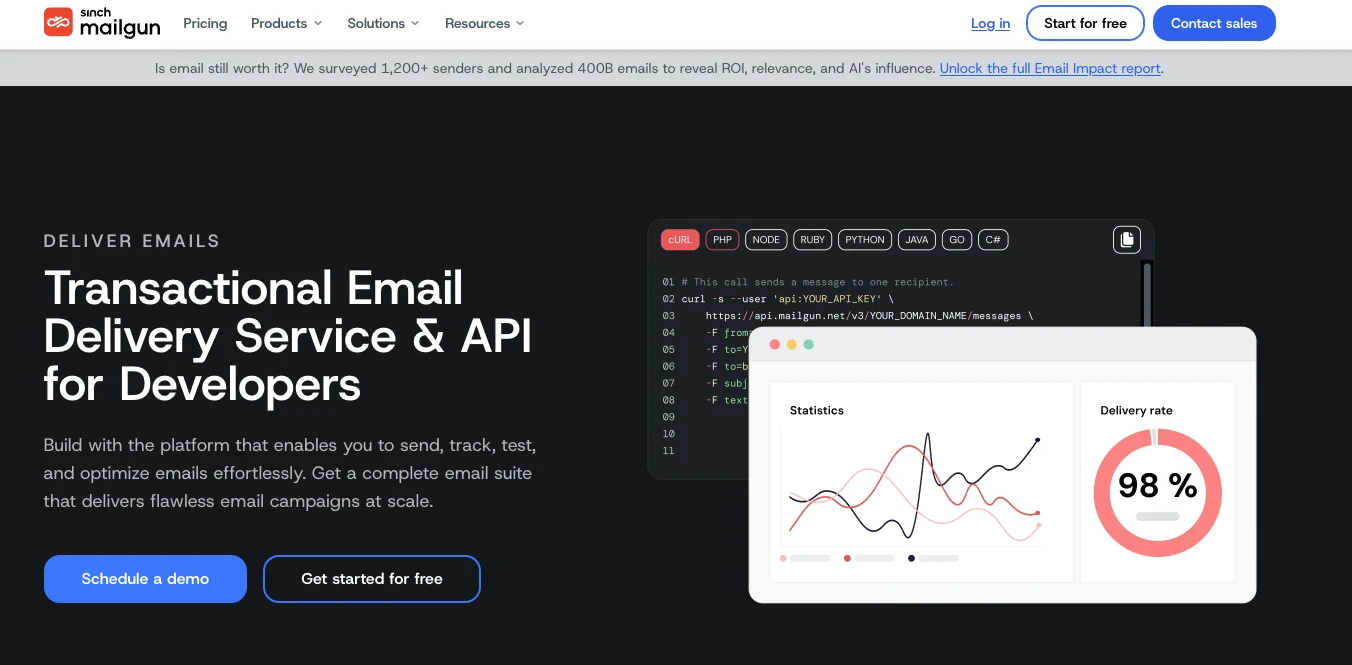
Mailgun's MCP server is an open-source, developer-focused tool that runs locally on your own machine.
It covers more than 50 Mailgun API operations, including sending email, managing domains, templates, webhooks, inbound routes, mailing lists, and tracking settings, and querying delivery stats.
It can read and update almost everything but can’t delete anything, so while a mistaken request can change your setup, it can’t wipe out data.
Setup: You need Node.js (version 18 or later) and a Mailgun API key, which you add to your AI tool's configuration. Mailgun documents setup for Claude Desktop and Claude Code, and it's also a one-click install in the Cursor Marketplace. There's no hosted version, so web-based AI tools can't connect to it.
What it can do:
Send: send emails, retrieve stored messages, and resend messages
Check delivery: query delivery metrics, view stats by mailbox provider, device, and country, and generate reports
Set up domains: inspect sending domains, verify DNS configuration, and configure open, click, and unsubscribe tracking
Manage suppressions: review and manage bounces, unsubscribes, complaints, and allowlists
Handle incoming mail: manage inbound routing rules
Organize: manage versioned templates and mailing lists, and view IP assignments and IP pools
Connect other systems: list, create, and update webhooks
Pricing: Free plan sends 100 emails a day, and paid plans start at $15 a month for 10,000 monthly emails.
Pros:
No delete tools, which limits the damage from unintended actions
Your API key is never shown to the AI, and the server doesn't log keys, requests, or responses
Open source under the Apache 2.0 license
Available on all Mailgun plans
Cons:
No hosted version, so it needs Node.js and an API key in a configuration file rather than a sign-in, and there’s no documented ChatGPT setup
The server has no rate limiting of its own, so a busy AI session can run into Mailgun's API limits
No SMS, DMARC monitoring, or blocklist monitoring through MCP
Best email MCP servers for inbox access and AI agents
These servers don’t send campaigns or automated emails. They connect your AI tool to a mailbox, so it can read, search, and reply to one-to-one messages, either in your own inbox or one set up just for an AI agent.
6. Gmail: Best for drafting replies in your own inbox
Google's Gmail MCP server is provided as a remote, Google-managed API endpoint and is currently available as a Developer Preview. It lets an AI tool search, read, and organize your mail, and write drafts. There's no tool for sending, so drafts wait in your Drafts folder until you send them yourself.
Setup: This is one of the more technical setup on the list. You join Google's Workspace Developer Preview Program, create a Google Cloud project, enable the Gmail API and Gmail MCP API, and create OAuth credentials before adding the server to your AI tool. Google documents setup instructions for Antigravity, its AI coding tool, and Claude (Pro, Max, Team, or Enterprise plans). If you use Claude or ChatGPT, you can also connect Gmail with their one-click apps, just like MailerLite.
What it can do:
Find and read mail: search threads and read full threads and messages
Organize: list and create labels, and add or remove labels on threads and messages
Prepare replies: create drafts and list existing drafts
Pricing: Free open-source plan allows unlimited local usage, and self-hosted cloud deployments start at $5 a month for low-level remote server infrastructure.
Pros:
Official and hosted by Google
Can't send, so a person always has the final say
Asks for only two permissions: read-only access and compose drafts
Clear guidance on prompt injection, including Google's recommendation to screen content with its Model Armor tool
Cons:
Developer Preview only, with membership required
Setup needs a Google Cloud project and OAuth credentials, which is a lot for non-developers
Covers one-to-one inbox work only, not campaigns or app email
7. AgentMail: Best for AI agents that need their own inbox
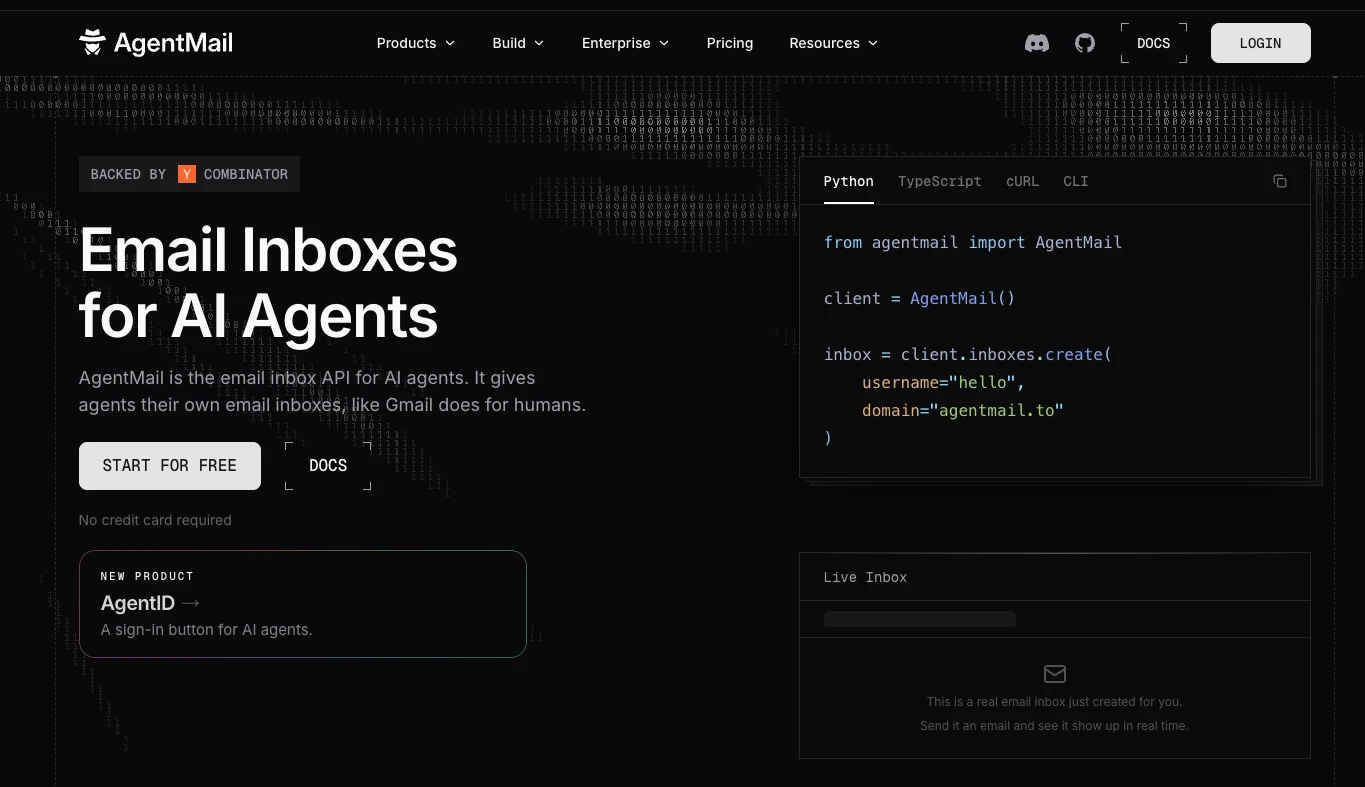
AgentMail gives an AI agent an email address of its own, so it can deal with customers, vendors, and other agents without borrowing someone's Gmail. AgentMail groups related messages into threads, so when a vendor replies with a question or a customer sends a PDF, the agent can read the whole exchange before deciding what to send next.
Setup: AgentMail hosts the server. Claude, ChatGPT, and Claude Code connect by signing in to your AgentMail account, while Cursor, Windsurf, and other tools use an API key. A native installer script or marketplace extension configures the server alongside AgentMail's custom agent skills.
What it can do:
Manage inboxes: create, search, update, and delete inboxes, with an optional custom username, domain, and display name
Send and reply: send new emails, reply within a thread (including reply-all), and forward messages
Read and search: search threads and messages by sender, recipient, subject, label, or date
Work with drafts: create drafts, schedule them to send later, and send or delete them
Read attachments: get attachments with a download link, plus extracted text for PDF and Word files
Control who it talks to: manage allow and block lists for sending, receiving, and replying
Sign up for services: create accounts for the agent on AgentMail-supported apps, using an inbox as its identity
Pricing: Free plan sends 3,000 monthly emails, and paid plans start at $20 a month for 10,000 monthly emails with 10 inboxes and 10 custom domains.
Pros:
Inboxes built for agents, with threads, replies, and attachments
Allow and block lists to limit who an agent can send to, receive from, or reply to
Streamlined sign-in flows for major developer frameworks and chat applications
Supports programmable Human-in-the-Loop safeguards, letting developers routing high-risk actions to an approval queue before they send
Cons:
Built for developers creating agents, not for managing your own inbox or marketing email
Certain local developer setups (like Cursor and Windsurf) require manual API key placement in a configuration file
Destructive actions (like deleting entire inboxes or threads) are enabled by default, requiring you to configure permission layers carefully
Before you give an AI send access: A safety checklist
An AI tool that can send email can also send the wrong email, to the wrong people, at the wrong time. These checks take a few minutes and prevent the mistakes that are hard to undo.
Install only from the official source: In 2025, a fake package posing as Postmark's MCP server was published on npm. It quietly copied every email it sent to an outside address (Postmark's notice). Hosted servers you connect by signing in, like MailerLite's and MailerSend's, avoid this risk because there's no package to install
Prefer sign-in over API keys: OAuth lets you see exactly which tool you approved and revoke it in one click. API keys tend to end up copied into config files and shared folders
Check what happens before a send: Does the server create drafts first? Does it tell you the audience size? Can it send a test to you? If the answer is no, add the rule to your prompt or your AI tool's instructions
Give the AI only what the task needs: Use read-only modes or per-module servers where they exist. Analysis doesn't need send access
Be careful with inbox content: Emails from strangers can contain hidden instructions aimed at your AI. Don't let an agent act on unverified mail without a human checking first
Know your data responsibilities: When you connect an AI tool, you're directing your subscribers' data to it. Under GDPR, that makes you the data controller. Read MailerLite's AI policy and your AI tool's terms before connecting
FAQs: Best email MCP servers
Q. What is an email MCP server?
A. An email MCP server is a connector that lets AI tools like Claude, ChatGPT, and Cursor read data and take actions inside an email platform. It uses the Model Context Protocol, an open standard for connecting AI to software.
Q. Do I need to code to use an email MCP server?
A. Not always. MailerLite and MailerSend connect by signing in with your account, with no code or API keys. Others, like Mailgun, require installing a package and adding an API key.
Q. Can an AI send emails without my approval?
A. It depends on the server. MailerLite creates campaigns as drafts and asks for your confirmation before sending. Gmail's official server can only draft. Some servers can send directly, so check before connecting.
Q. Which AI tools work with email MCP servers?
A. Most official servers support Claude, Claude Code, Cursor, and VS Code. MailerLite and MailerSend also support ChatGPT and Gemini CLI. Any MCP-compatible tool can usually connect with a server URL.
Q. Is an MCP server the same as an API?
A. No. An API is how software talks to an email platform. An MCP server sits on top of the API and describes its actions in a way AI tools understand, so you can ask in plain language instead of writing code.
Q. Is it safe to connect my email platform to an AI tool?
A. It can be, with the right setup. Install only from official sources, prefer sign-in over API keys, give the AI only the access it needs, and keep a person in the loop for sends.
Add MailerLite as a preferred source on Google. It tells Google you trust us, so you'll see more of our content in Top Stories and AI Overviews.
Add as a preferred source