Note: If you're a Legacy (Classic) user, please log in to your account to access the dedicated Legacy (Classic) Help Center.
E-commerce tracking exists so that you can measure the success of your email marketing efforts. When a subscriber opens an email and is then redirected to your website, where they make a purchase, that purchase is recorded in your campaign report.
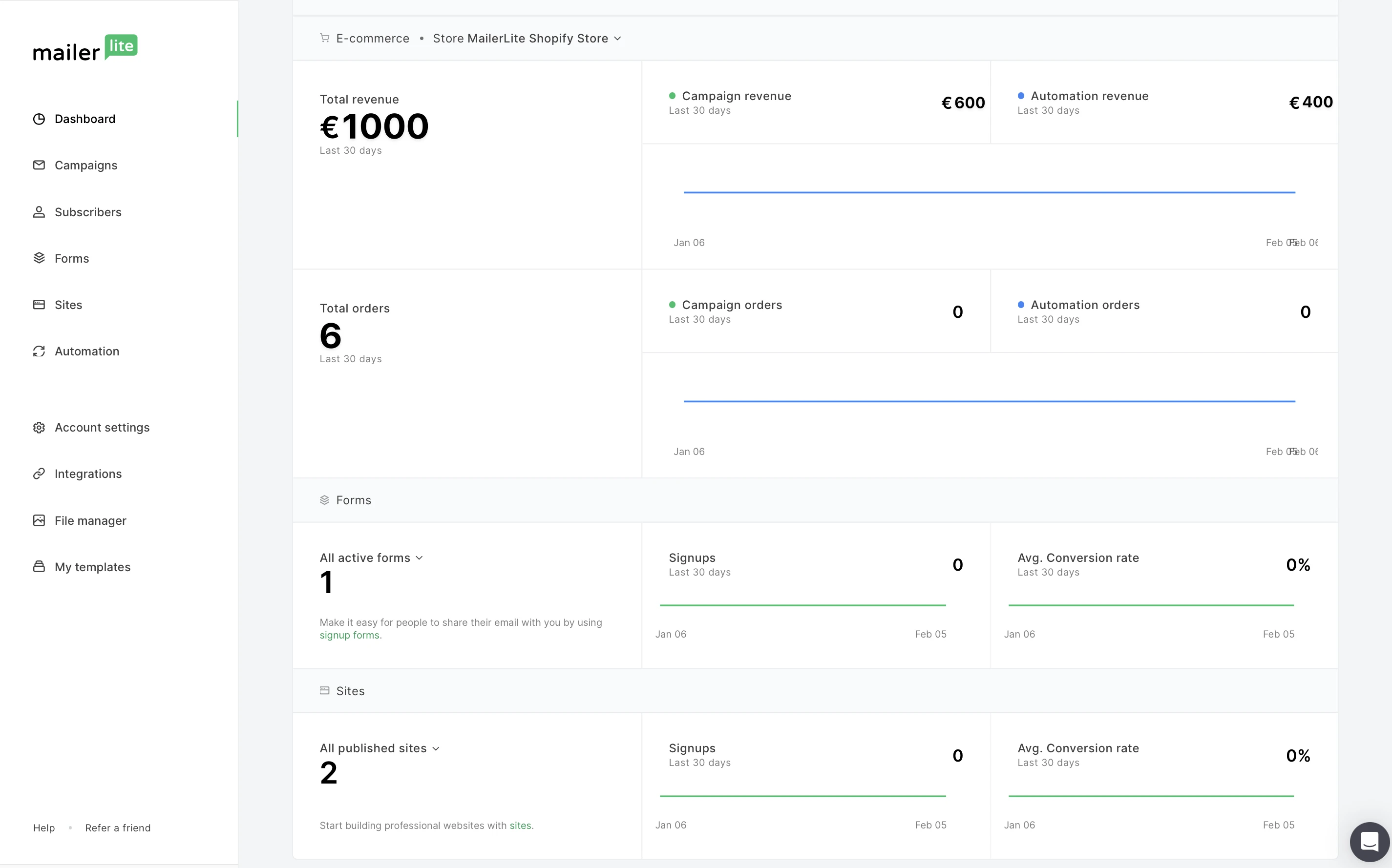
How to enable e-commerce tracking
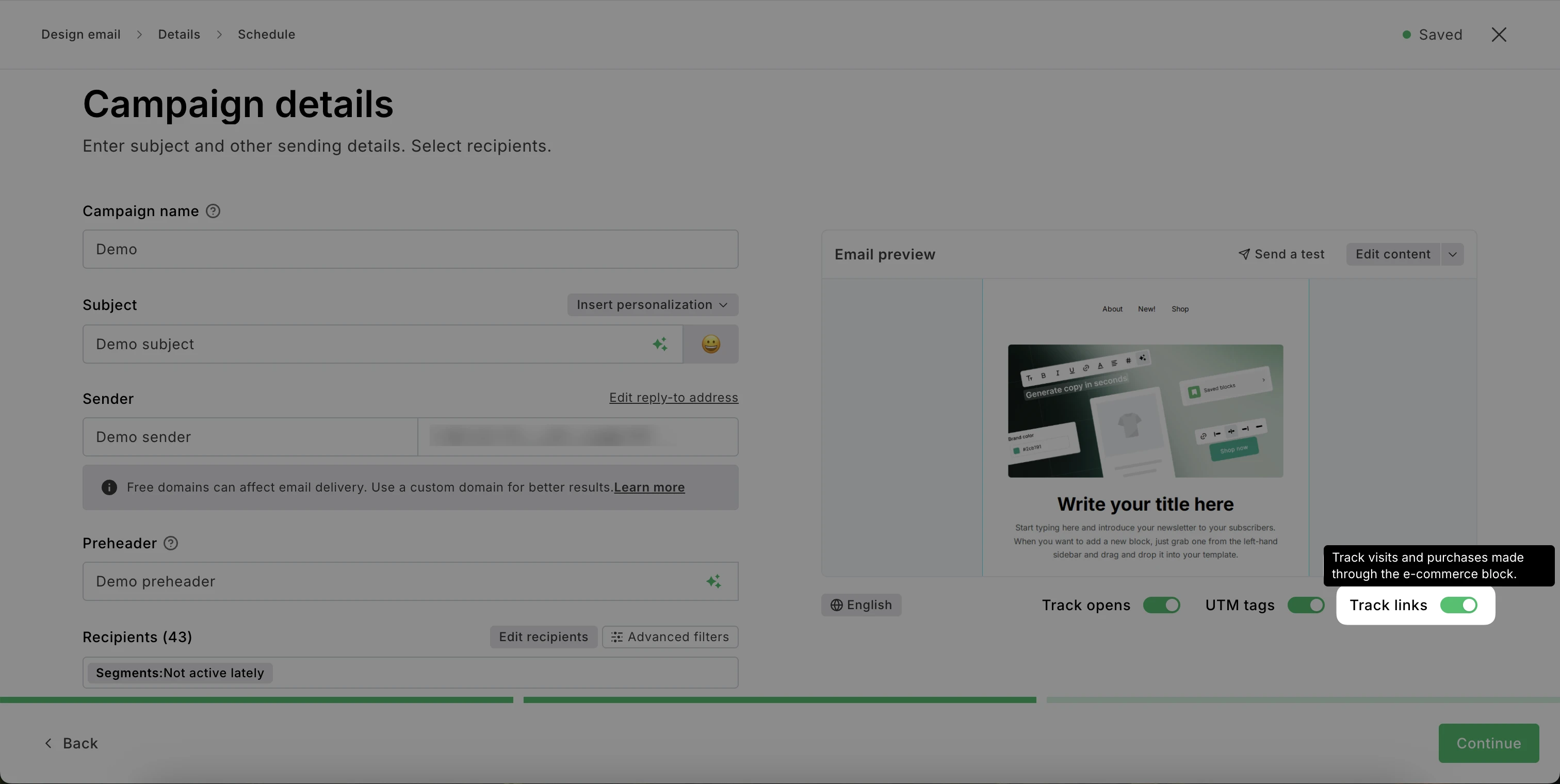
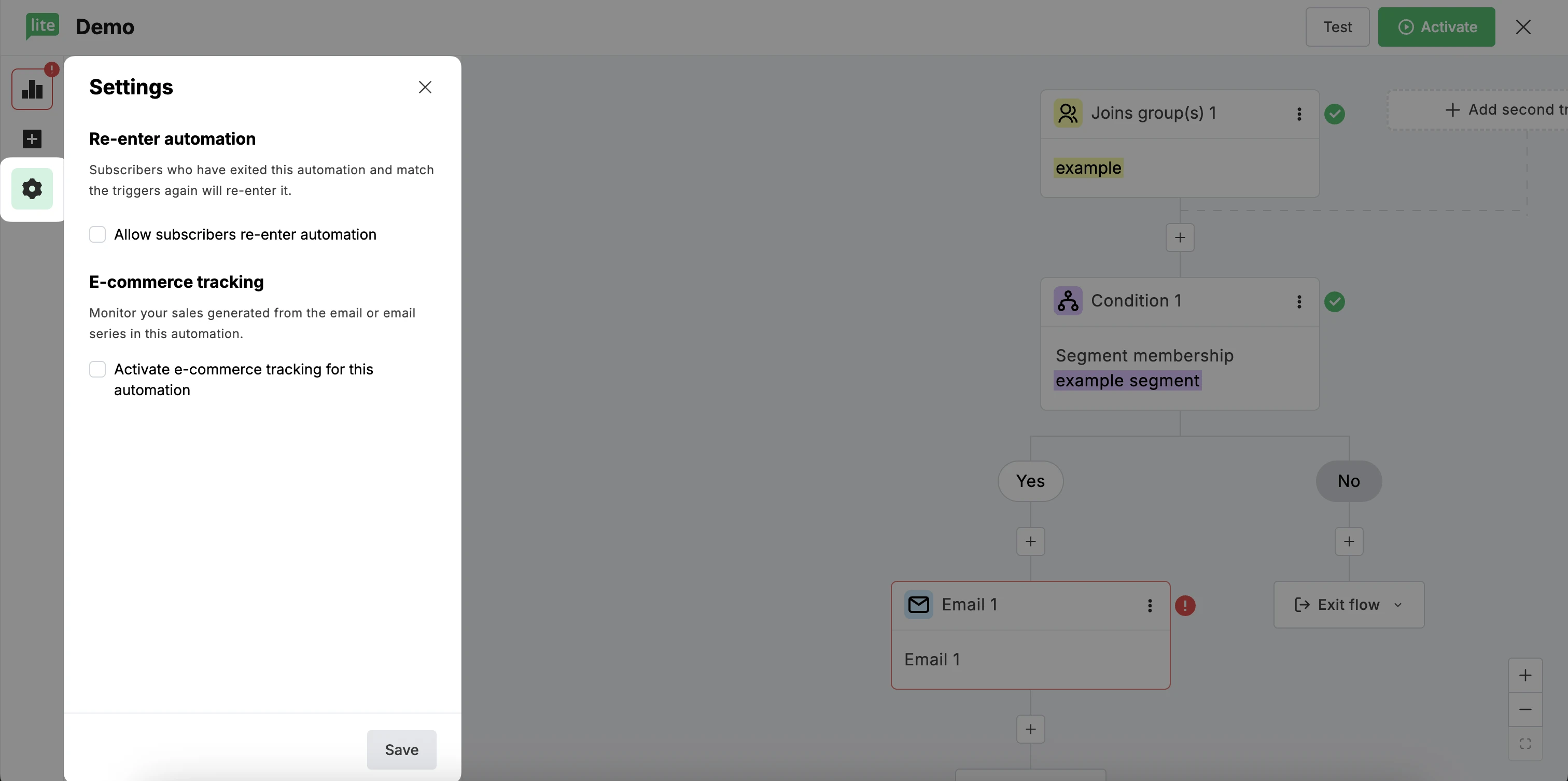
E-commerce tracking can be enabled/disabled individually on each campaign and automation or globally via Default settings.
For campaigns, toggle Track links on the Campaign details step:
For automations, enable E-commerce tracking in the automation Settings:
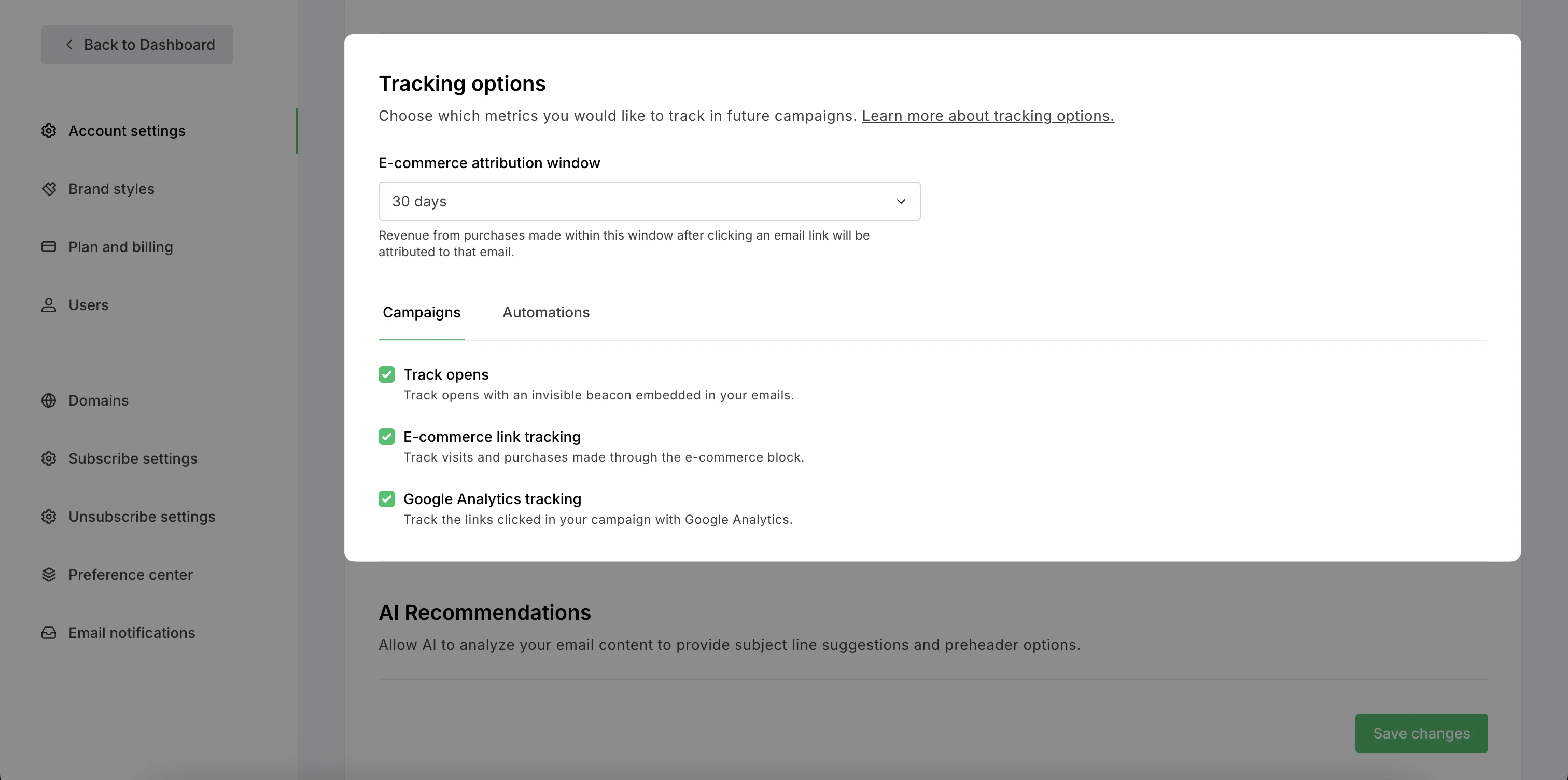
To manage e-commerce tracking globally:
Navigate to Account settings.
Select the Default settings tab.
Scroll down to Tracking options.
Choose the E-commerce attribution window and enable/disable E-commerce link tracking for Campaigns and Automations.
How long is data tracked for after a store visit from an email campaign?
Purchases are always recorded in the email report from the last campaign or automation email the subscriber clicked before making their purchase, as long as they buy with the same email address.
Revenue is tracked for any link to the connected store's domain, including the homepage. Product links aren't required.
In the E-commerce attribution window settings, you can select tracking for 7, 14, or 30 days.
Does MailerLite use cookies to track store visits and purchases?
In the Shopify integration, mailerlite_visitor_token cookies are used to enable Abandoned cart automation triggering after a visitor completes a MailerLite form or clicks a store link within one of your MailerLite emails.
In other integrations, cookies are not used to track your subscribers' activity in your store; visits and purchases are saved to your MailerLite account in the same way opens/clicks are.