Note: If you're a Legacy (Classic) user, please log in to your account to access the dedicated Legacy (Classic) Help Center.
Account reviews are routine checks performed on account activity to ensure full compliance with our Terms of Use and Anti-Spam Policy.
Why are accounts reviewed?
Keeping every MailerLite account compliant builds trust with inbox providers and protects our users' deliverability and sender reputation. These quick checks help us catch potential misuse early so your email delivery stays fast and reliable.
What can trigger an account review?
Reviews can be triggered automatically by our security systems or started manually by our Deliverability and Compliance team. Reasons an account is placed on hold for review include, but are not limited to:
A high number of bounces, spam complaints, or unsubscribes on sent emails.
Sending to email addresses that may be bought, scraped, or collected without consent.
Account content that may not follow the Terms of Use. For more details, see: Is there any content that MailerLite doesn’t allow?
A subscriber import or account activity triggering one of our internal safeguards.
Malicious software or phishing attempts; violating intellectual property rights.
Suspicious payment activity or suspected account breaches.
What happens when my account is under review?
The review process depends on what's being checked: your campaign, form, or site content, or your account as a whole.
Content reviews
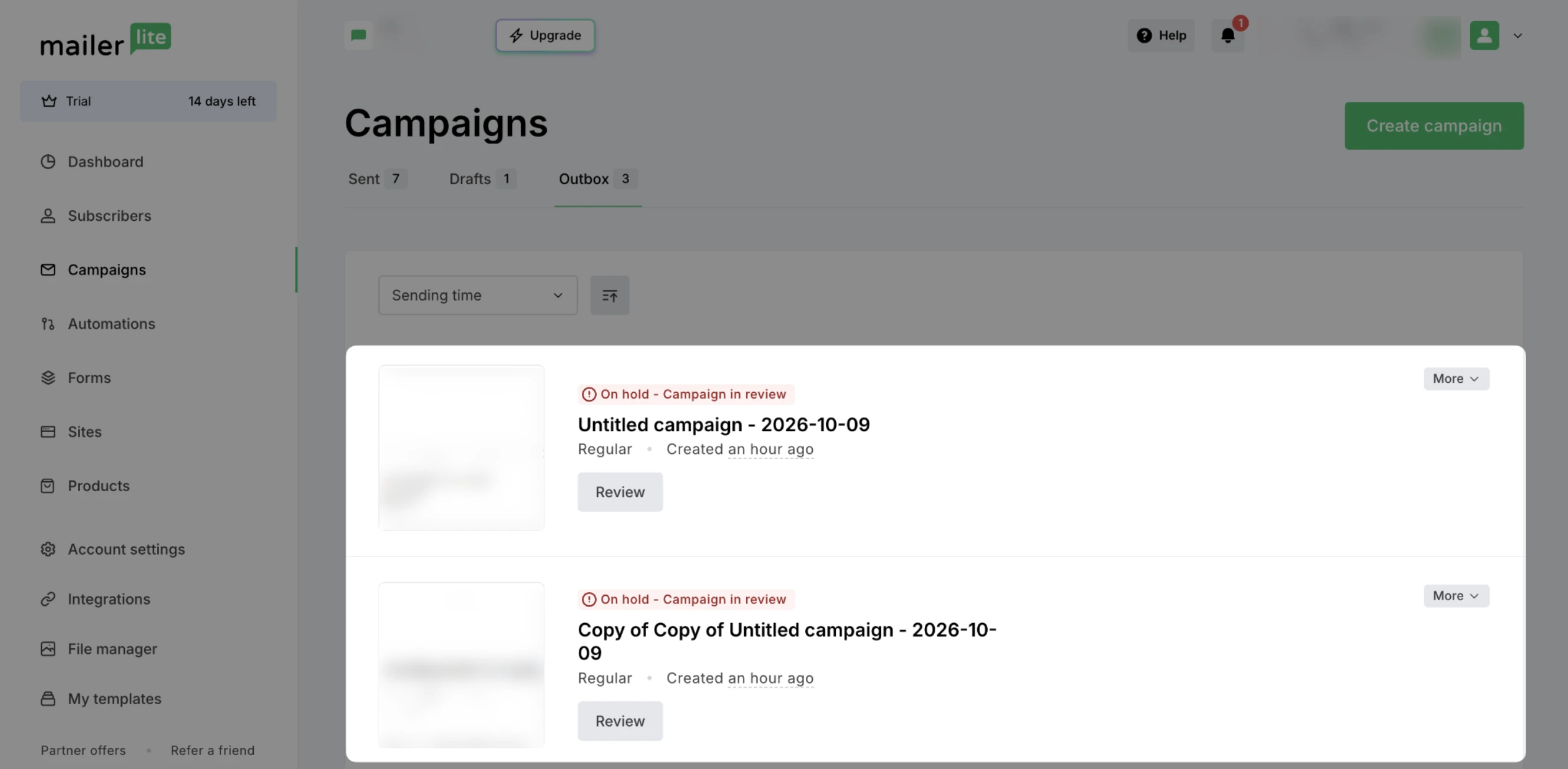
When your campaign, form, or site is under review, you’ll be informed about it via email and by a banner on your dashboard:
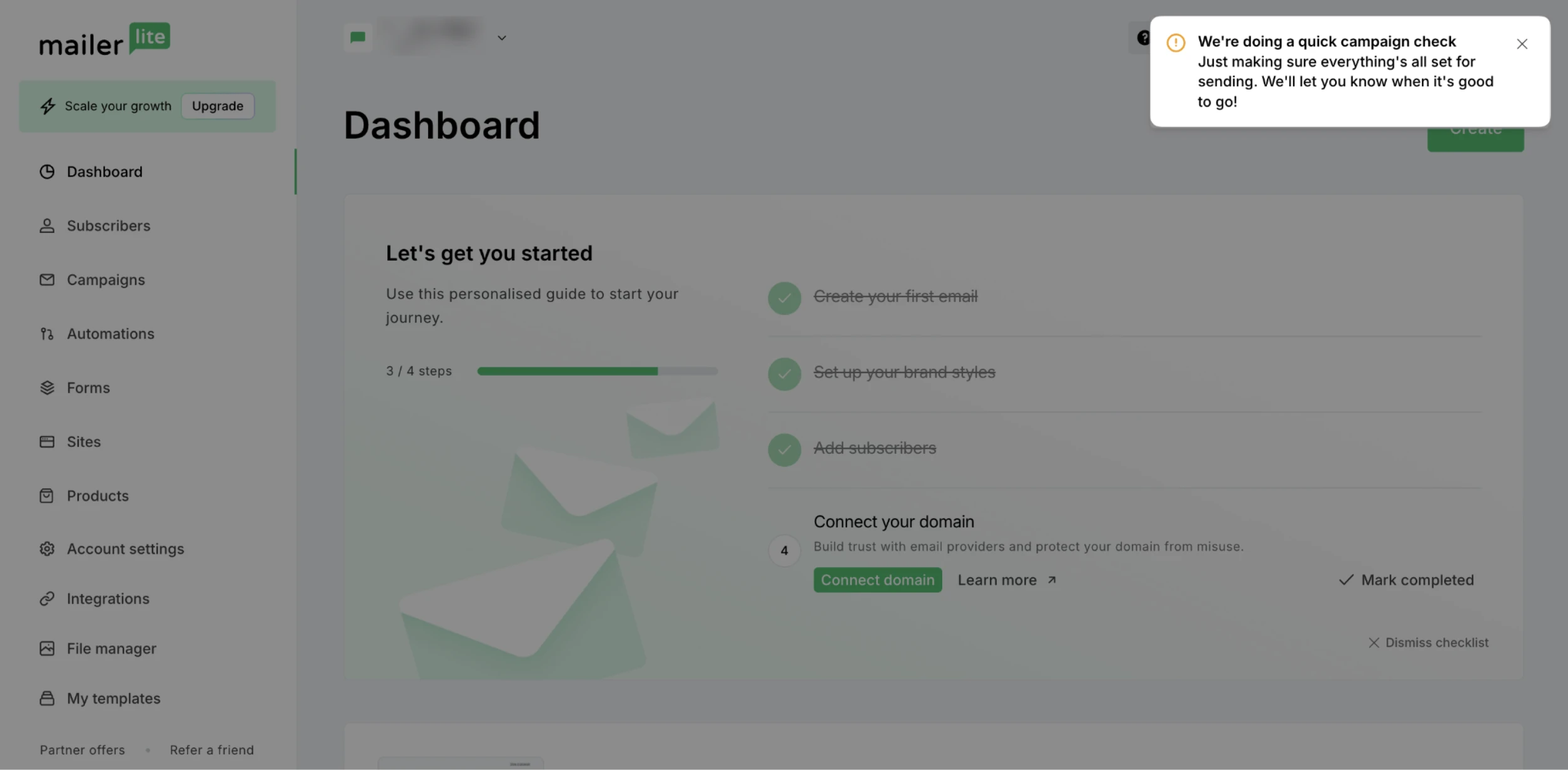
During the review, your email sending, site publishing, or form activation will be on hold.
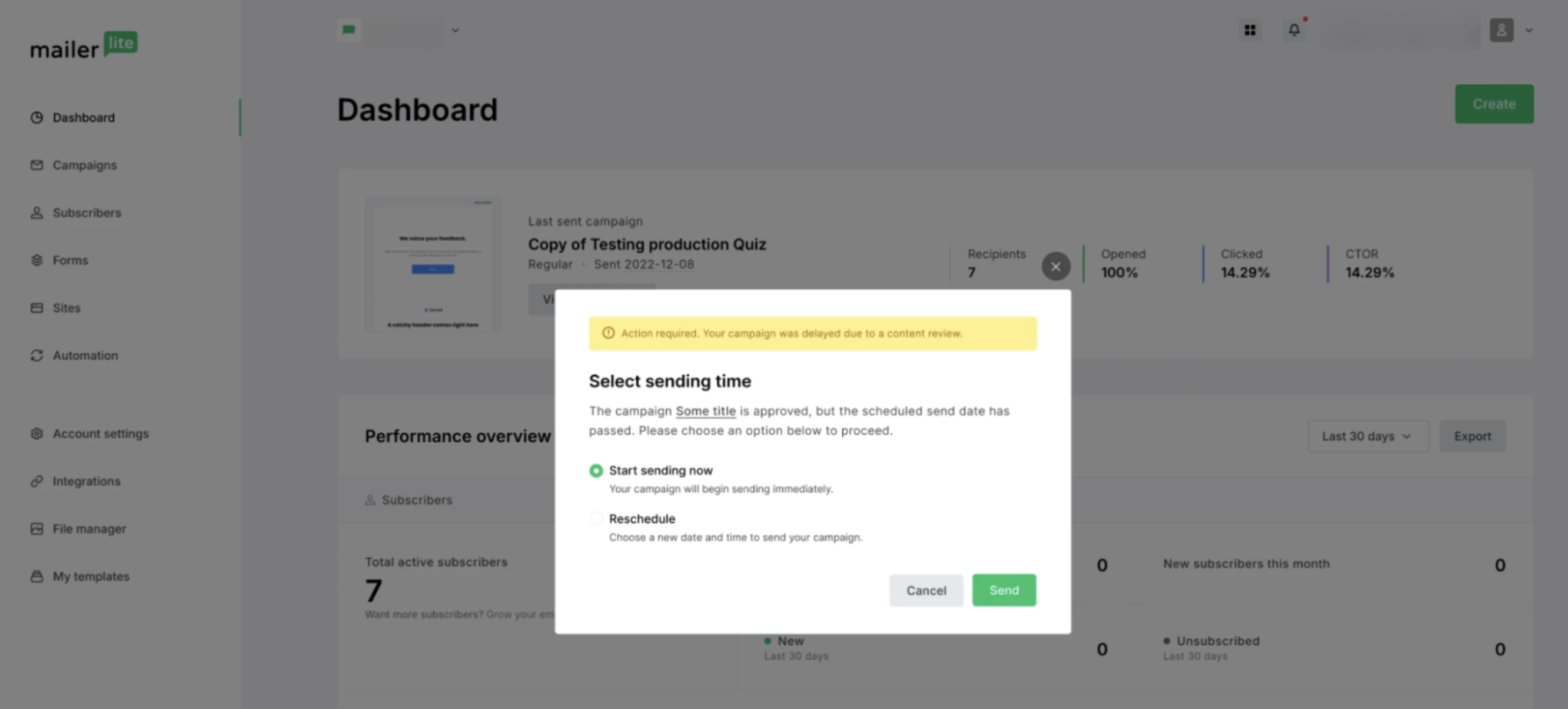
Once the review is complete, you’ll be informed about it via email. If your scheduled sending time has passed, you’ll be prompted to either reschedule the campaign or send it immediately from your dashboard.
Account reviews
When your account is placed under review, you’ll be informed about it via an email sent to all admin users of the account and a banner on your dashboard:
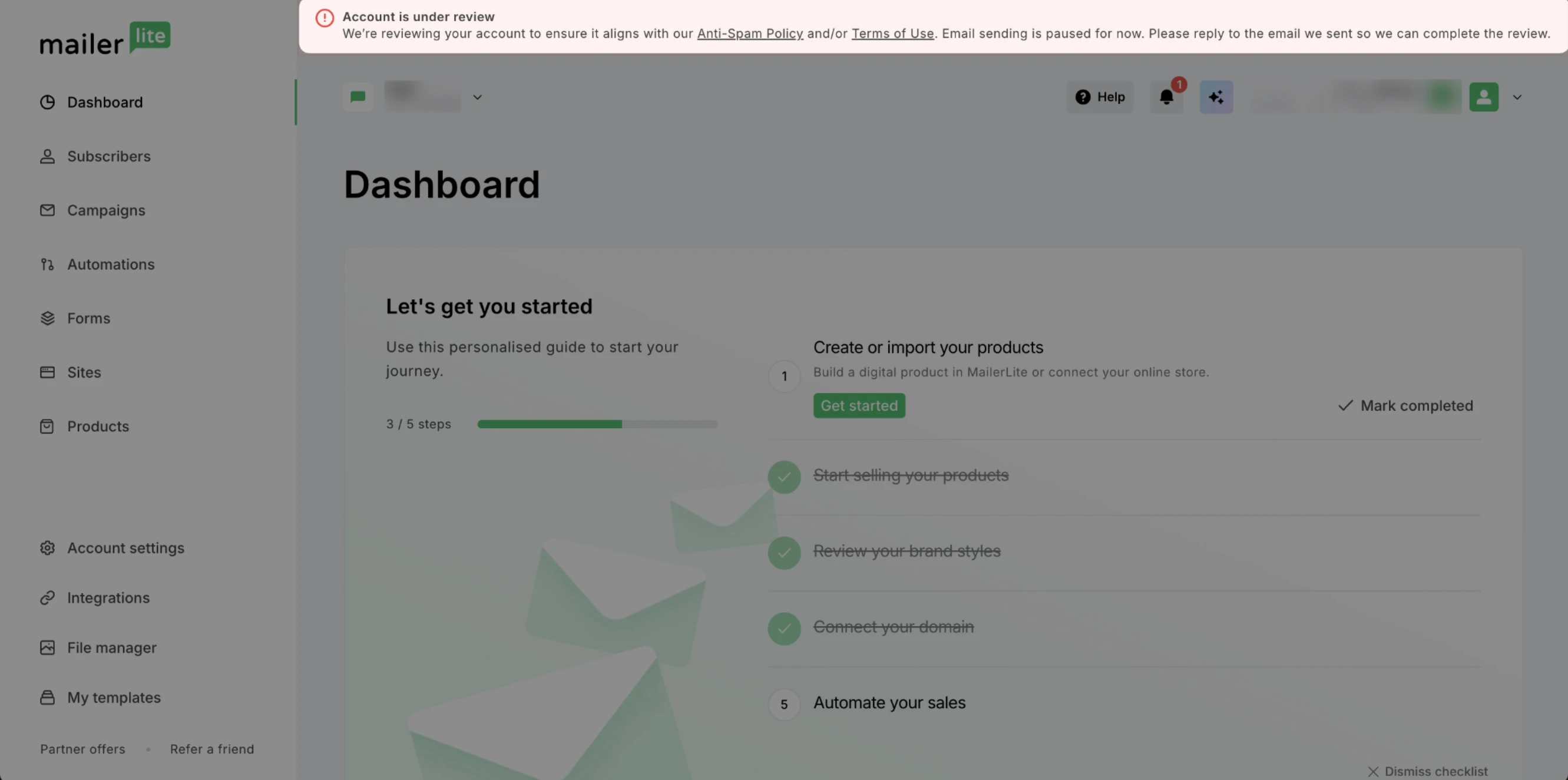
During the review, you can continue accessing your account, creating and editing content; however, some functionalities, like email sending and landing page publishing, are paused.
Note: If you had a campaign scheduled to be sent while the account was under review, once the account is reactivated, the campaign will be returned to Drafts, where you’ll be able to reschedule it.
What should I do?
Depending on the reason for the investigation, you might be asked to provide additional details about your subscriber list origin, consent collection, engagement history, etc. Once you reply to the email and provide the requested information, our Compliance team will complete the review.
⚠️ If you were asked for additional information, make sure to provide it within 30 days. If no reply is sent, your account will be terminated, as outlined in MailerLite's Terms of Use.
How long do account reviews take?
The review time can vary depending on several factors. Automated reviews and content checks are typically completed within a few minutes, while manual account reviews can take longer.
We'll contact you about your review status as soon as we can.
Account review outcomes
After your account is reviewed, you’ll be informed about its new status:
| Status | Cause | Account access | Account use | Data export |
| Reactivated | Minor issue, misunderstanding, or false positive | ✅ | ✅ | ✅ |
| Terminated | Breach of our Terms of Use | ✅ | ❌ | ✅ |
| Suspended | Malicious activity, such as phishing | ❌ | ❌ | ❌ |
How to avoid triggering an account review
To reduce the likelihood of your account being reviewed:
Ensure subscriber consent: Verify that all subscribers on your mailing list have explicitly agreed to receive emails.
Review your content: Make sure that your campaign, website, form, and other content are in line with our Terms of Use.
Include a clear unsubscribe link: Always provide a clearly visible unsubscribe option in your campaigns. Not only is this legally required, but it also increases campaign credibility and transparency.
Clarify subscriber consent: Clearly state how subscribers consented to receive emails, such as "You're receiving this email because you signed up through our website."
Follow deliverability best practices: Use an authenticated custom domain, periodically validate and clean your subscriber list, and adopt other tips to avoid high bounce rates.