Email marketing API
Email marketing API for your subscriber, campaign, and store dataConnect your app, store, or CRM to MailerLite and keep your email marketing in sync, with no manual exports or CSV uploads. The MailerLite REST API lets you manage subscribers, schedule campaigns, and trigger automations, with official SDKs in six languages.
Start a 14-day trial of premium features | No card required
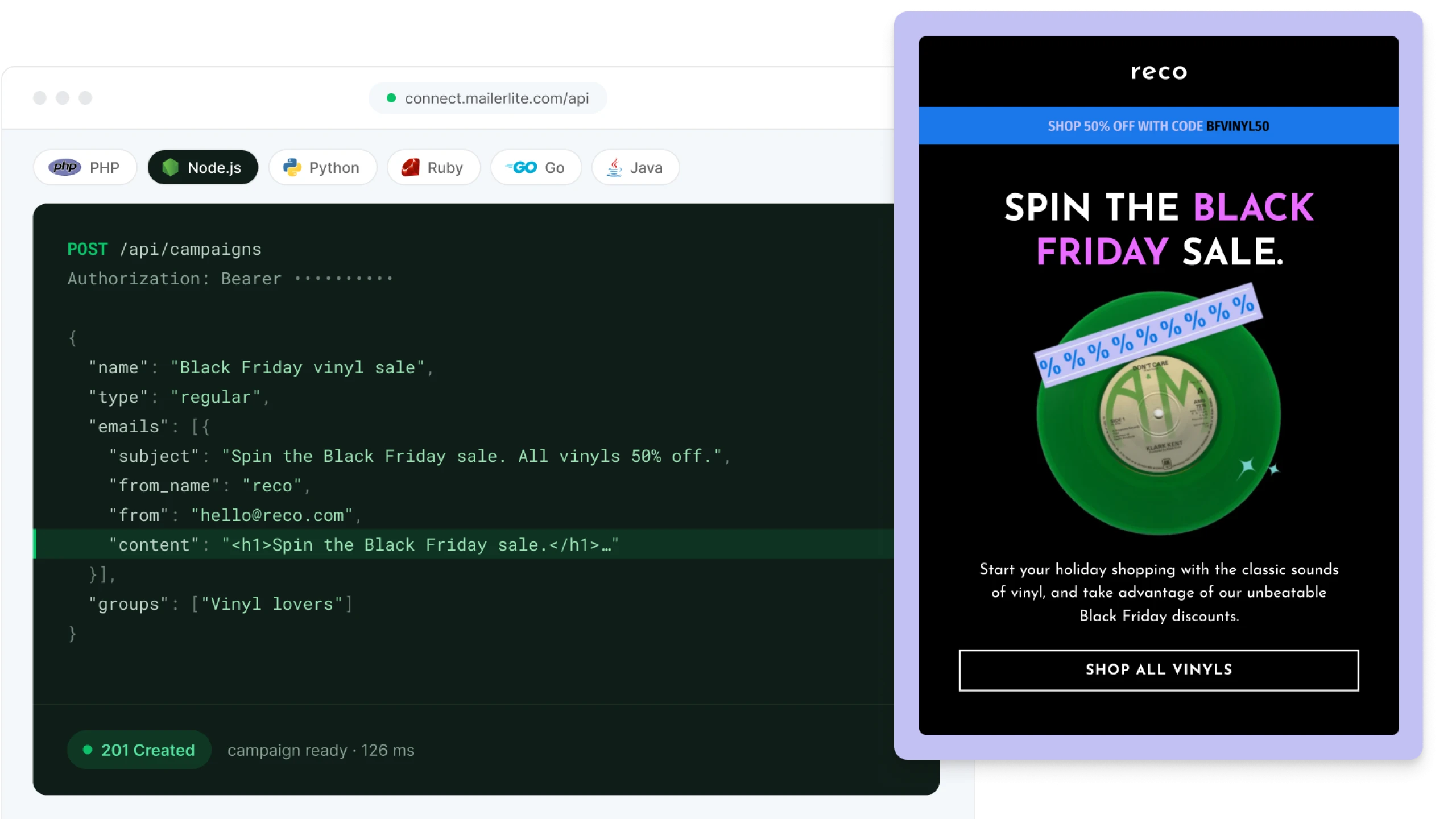
See the email API in action
Here’s how to add or update a subscriber with one request. If the email address already exists in MailerLite, the profile gets updated with the new information.
curl -X POST https://connect.mailerlite.com/api/subscribers \
  -H "Authorization: Bearer YOUR_API_KEY" \
  -H "Content-Type: application/json" \
  -H "Accept: application/json" \
  -d '{
    "email": "reader@example.com",
    "fields": { "name": "Ada" },
    "groups": ["YOUR_GROUP_ID"]
  }'
import MailerLite from '@mailerlite/mailerlite-nodejs';
const mailerlite = new MailerLite({ api_key: process.env.MAILERLITE_API_KEY });
const response = await mailerlite.subscribers.createOrUpdate({
email: 'reader@example.com',
fields: { name: 'Ada' },
groups: ['YOUR_GROUP_ID'],
});use MailerLite\MailerLite;
$mailerLite = new MailerLite(['api_key' => getenv('MAILERLITE_API_KEY')]);
$response = $mailerLite->subscribers->create([
'email' => 'reader@example.com',
'fields' => ['name' => 'Ada'],
'groups' => ['YOUR_GROUP_ID'],
]);import os
import mailerlite as MailerLite
client = MailerLite.Client({'api_key': os.environ['MAILERLITE_API_KEY']})
response = client.subscribers.create(
'reader@example.com',
fields={'name': 'Ada'},
groups=['YOUR_GROUP_ID'],
)require "mailerlite-ruby"
# Reads your key from the MAILERLITE_API_TOKEN environment variable
subscribers = MailerLite::Subscribers.new
subscribers.create(
email: 'reader@example.com',
fields: { 'name' => 'Ada' },
groups: ['YOUR_GROUP_ID']
)package main
import (
"context"
"fmt"
"log"
"os"
"github.com/mailerlite/mailerlite-go"
)
func main() {
client := mailerlite.NewClient(os.Getenv("MAILERLITE_API_KEY"))
subscriber := &mailerlite.UpsertSubscriber{
Email: "reader@example.com",
Fields: map[string]interface{}{"name": "Ada"},
Groups: []string{"YOUR_GROUP_ID"},
}
result, _, err := client.Subscriber.Upsert(context.TODO(), subscriber)
if err != nil {
log.Fatal(err)
}
fmt.Println(result.Data.Status)
}use mailerlite_rs::{data::Data, MailerLite};
#[tokio::main]
async fn main() {
let mailerlite = MailerLite::new(std::env::var("MAILERLITE_API_KEY").unwrap());
let data = Data::new()
.add("email", "reader@example.com")
.add("fields[name]", "Ada")
.add("groups[]", "YOUR_GROUP_ID");
let response = mailerlite.subscriber().create(data).await;
println!("{} {}", response.status_code, response.content["data"]["status"]);
} View on API Hub
 View on GitHub
Join 1M+ MailerLiters

6 ways to put the API to work
 Sync your contacts
Send new signups and profile updates from your app or CRM to MailerLite as they happen, custom fields included.
 Run campaigns your way
Create and schedule campaigns in any timezone. Then pull opens and clicks back into your own dashboard.
 Trigger emails at the right time
Build automations in MailerLite and trigger them from actions people take in your app, so every email arrives when it matters.
 Get real-time updates
With webhooks, MailerLite tells your app when someone subscribes, bounces or clicks, keeping your records up to date.
 Handle privacy requests fast
A single API call removes a subscriber and fully erases their data within 30 days, helping you stay GDPR compliant.
 Move data in bulk
Import subscribers straight into a group in bulk, or bundle up to 50 API calls into a single request to save time.



"Your API is beautiful, easy and quick to set up. I love the MailerLite API documentation."
For e-commerce stores: Connect any store, even a custom one
No native integration for your platform? Use the e-commerce API to send your shop's products, customers, and orders to MailerLite, so you can build powerful e-commerce automations, track sales, and keep your customers in sync. See everything MailerLite does for e-commerce
 Recover abandoned carts
Send an order to MailerLite when checkout starts, and your abandoned cart email goes out if the customer doesn't complete the purchase.
 Follow up after every purchase
Mark the order complete when the customer pays. Your post-purchase emails start, and the cart reminder is canceled automatically.
 Feature products in your emails
Drop synced products straight into campaigns. Turn on e-commerce tracking to see which orders each campaign brought in.



"Marketing teams shouldn't have to wait on developers for every email, and developers shouldn't have to rebuild email marketing from scratch. The API lets each side do what it does best."
For developers: The technical details, all in one place
Everything you need to size up the email marketing REST API before you write a line of code.
| Base URL | https://connect.mailerlite.com/api |
| Authentication | Bearer token: Authorization: Bearer YOUR_API_KEY |
| Format | JSON over HTTPS |
| Versioning | Pin a version with the X-Version header |
| Rate limits | 120 requests per minute. Imports: 20 per minute |
| Batching | Up to 50 calls in one request |
| Webhooks | 15+ subscriber, automation and campaign events, signed with HMAC SHA-256 |
| SDKs | PHP, Node.js, Python, Ruby, Go, Rust |
| E-commerce IDs | Use your store's own IDs for products, orders and customers |
Get your API key
Create your MailerLite API key under Integrations > API. Keys are tied to the user who made them and can be limited to trusted IP addresses.
Official SDKs in 6 languages
Install the official library for your stack instead of writing and maintaining your own wrapper.
| Language | Install | Repo |
| PHP |
composer require mailerlite/mailerlite-php
|
mailerlite-php |
| Node.js |
npm install @mailerlite/mailerlite-nodejs
|
mailerlite-nodejs |
| Python |
python -m pip install mailerlite
|
mailerlite-python |
| Ruby |
gem install mailerlite-ruby
|
mailerlite-ruby |
| Go |
go get github.com/mailerlite/mailerlite-go
|
mailerlite-go |
| Rust |
cargo add mailerlite-rs
|
mailerlite-rust |
Explore every endpoint
Every endpoint below links to its full reference in our docs, with request examples and sample responses.
| Core API | |
| Subscribers | Create or update subscribers, manage their groups and read their engagement stats. |
| Groups | Create groups, add or remove subscribers, and list who's in each one |
| Segments | List segments and fetch the subscribers who match them. |
| Fields | Create and manage the custom fields you store on each subscriber. |
| Automations | List your automations and see which subscribers are moving through them. |
| Campaigns | Draft, schedule, and cancel campaigns, then pull the results. |
| Forms | Manage popup, embedded and promotion forms and see who signed up. |
| Webhooks | Get a POST to your URL when subscribers or campaigns change. |
| Batching | Bundle up to 50 API calls into a single request. |
| Timezones | Look up the timezone IDs used for scheduling and subscriber data. |
| Campaign languages | Look up language codes for localized campaigns. |
| E-commerce API | |
| Shops | Connect an external store to your MailerLite account. |
| Products | Sync products so you can add them to campaigns. |
| Categories | Group products so automations can target a whole category. |
| Category products | Attach products to categories, or detach them. |
| Customers | Sync store customers and link them to subscribers. |
| Orders | Create and complete orders to trigger purchase and abandoned cart automations. |
| Carts | Read and update the carts behind abandoned cart emails. |
| Cart items | Add, update and remove the items in a cart. |
| Import | Bulk import categories, products and orders in one request. |
MCP and CLI: Prefer to ask instead of code?
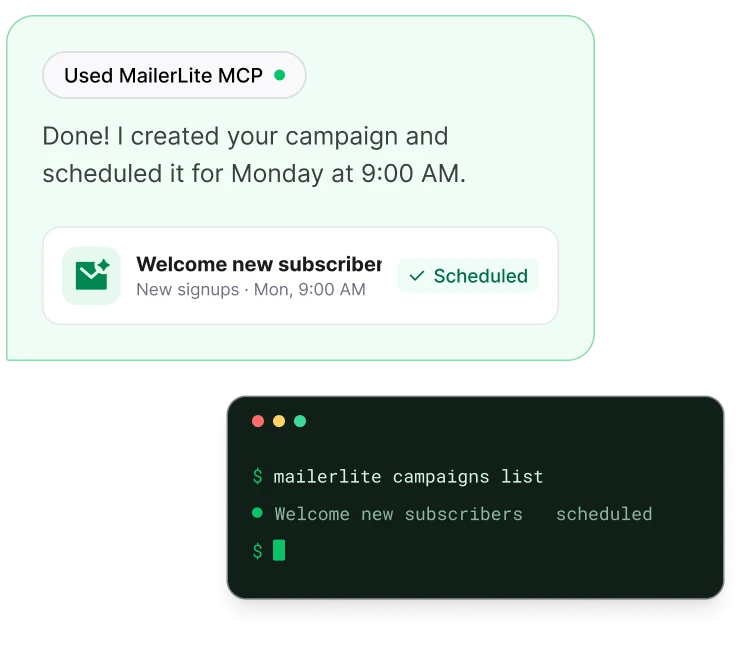
Connect Claude, ChatGPT, Cursor or another AI tool to MailerLite with our MCP server, and manage subscribers, campaigns and automations by simply asking. It's available on every plan, including Free.
Working in the terminal? The MailerLite CLI runs the same tasks from your command line or CI pipeline.
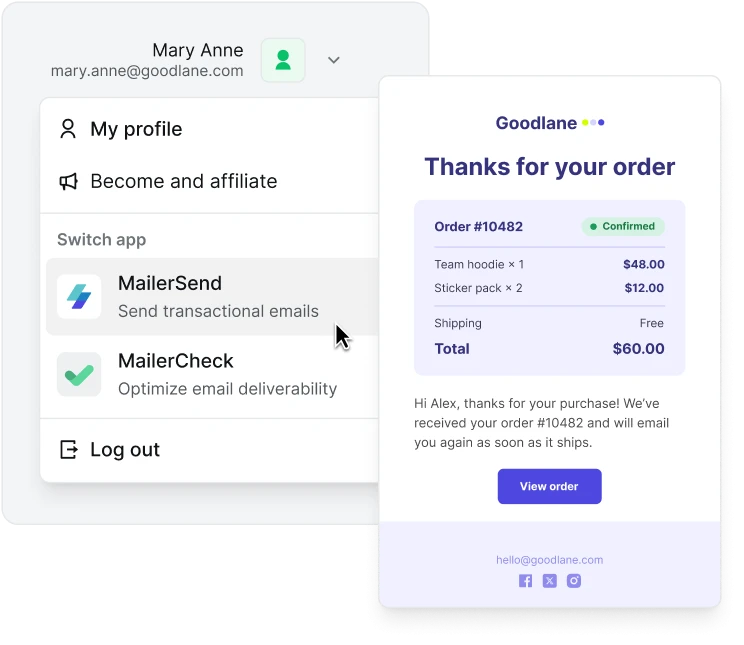
Need transactional emails too?
MailerLite is built for marketing email. For password resets, receipts and order confirmations, use MailerSend, our sister product. You can sign into both with a single login.


"Setting up MailerLite and MailerSend was fantastically simple. The engineers had an easy time integrating the APIs. It was all really well documented. They had no trouble at all."
Get started in 3 steps

Create your free account
Sign up in a minute, no credit card needed.

Generate your API key
Go to Integrations > API and click Generate new token.

Make your first request
Paste the sample above, add your key and a group ID, and run it.
Build email marketing into your product
Connect your app, keep your data in sync, and let your team focus on the emails.
Email marketing API FAQ
Got questions about the MailerLite API? Here are the ones we hear most.
What is the MailerLite API?
It's a way for other software to work with your MailerLite account directly. Developers use it to add subscribers, manage groups and segments, create and schedule campaigns, and send store data that triggers e-commerce automations, all without anyone logging in to the dashboard.
Do I need to be a developer to use it?
To build a custom integration, yes, or someone on your team who is. Not a coder? You've got options. Connect your favorite tools with our 150+ ready-made integrations, or use MailerLite MCP to manage your account by asking an AI tool like Claude or ChatGPT.
Is the MailerLite API included on the Free plan?
Yes. You can use the API on every plan, including Free. What you can do through it depends on your plan.
What are the API rate limits?
You can make 120 requests per minute, and create up to 20 imports per minute. Moving lots of data? Bundle up to 50 calls into a single batch request.
Where do I find my MailerLite API key?
In your account, go to Integrations > MailerLite API and click Generate new token. Copy it right away, because it's only shown once.
Can I send transactional emails with the MailerLite API?
MailerLite is built for marketing emails. For transactional emails like password resets and order confirmations, use our sister product MailerSend. You can manage both with one login. Comparing options? Read our guide to email APIs.
Does MailerLite have an MCP server?
Yep! Connect Claude, ChatGPT, Cursor and other AI tools to your MailerLite account in a few clicks, no code needed. See how it works.
More features to explore
MailerLite is packed full of features that help you save time and grow your business.