Note: If you're a Legacy (Classic) user, please log in to your account to access the dedicated Legacy (Classic) Help Center.
E-commerce API lets you link your online store directly to your MailerLite account using code instead of the account dashboard.
If your shop runs on one of MailerLite's supported platforms, you can use the matching prebuilt integration; no coding is required. The E-commerce API is the right choice when your shop platform doesn't have a prebuilt integration, or when you're building your own custom e-commerce connection.
Connecting your e-commerce store unlocks powerful tools for your business:
E-commerce automations: Send targeted messages based on customer purchases and behavior.
Product blocks: Feature items directly from your shop inside your newsletter campaigns.
Sales tracking: Track orders and revenue generated from your emails.
Note: Using E-commerce API requires coding skills, making it best suited for developers.
Generating an API token
To connect your store via API, you’ll first need to generate an API token. To do so:
Select Integrations from the sidebar.
Click the Use button next to E-commerce API.
Click Generate new token.
Enter a token name and choose IP restrictions.
Confirm that you understand the API token requirements and click Create token.
For the full steps, check out: MailerLite API key, Group ID, and documentation
Setting up your integration
Once you have your API key ready, you can begin setting up your integration. On the E-commerce API page, you can find the headers you’ll need to add to every request:
Content-Type: application/json
Accept: application/json
As well as the base URL for your requests:
https://connect.mailerlite.com/apiTo connect your store, follow the instructions shared in our E-commerce API documentation. Following the developer guidelines, you’ll be able to use API to manage your carts, categories, customers, orders, products, and more!
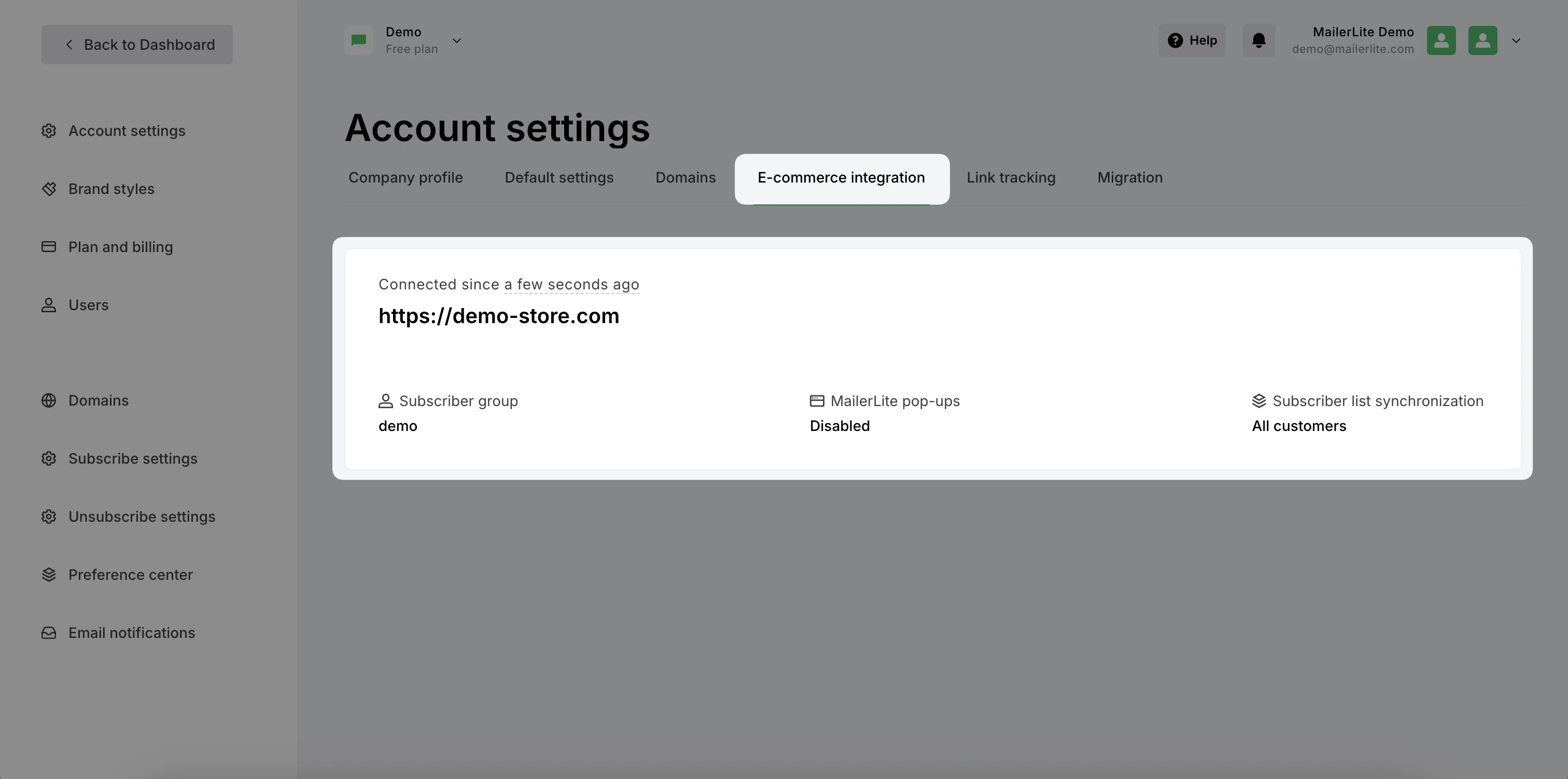
Once your store is connected, you’ll see it added to the E-commerce integration section of your Account settings.
Limited support! Our Support team is ready to assist with questions regarding your MailerLite account; however, we do not offer support for custom API setups or third-party integrations.