Note: If you're a Legacy (Classic) user, please log in to your account to access the dedicated Legacy (Classic) Help Center.
If you are noticing differences in the display of your email in the inbox, there are a few things to check.
Outlook inboxes
If you are viewing the email in Outlook, then a difference in the display is expected. Outlook is an inbox that was created primarily to help corporations in internal communication and is mainly used in B2B communication, as such it may not display email marketing newsletters the same way other clients such as Gmail do.
This process usually causes some changes to the campaign's initial design and the way it's displayed in the mailbox.
The best recommendation is to send yourself a test campaign to your Outlook email and consider changes accordingly. Some of our clients also like to add a disclaimer asking Outlook users to click on the “View in browser” link at the top-right side of the campaign, just in case.
Extra bullet point?
Some people have reported an issue where an extra bullet point appears in emails viewed in Outlook. Unfortunately, this is not something that can be fixed within the editor, but there is a workaround.
You can add this small snippet of code directly under each </ul> in your unordered lists specifically for Outlook.
<div style="display:none;"> </div>
Interactive email blocks
Some interactive blocks in the Drag & Drop editor, such as Accordion and Carousel, don’t display on some email clients, including Gmail, as they don’t support scripts.
The Accordion and Carousel blocks are supported on the following email clients:
Apple Mail
Outlook 2016 (macOS)
Outlook Office 365 (macOS)
iPhone native mail app
Samsung Mail
All Browsers (not web-based email clients like Gmail or Yahoo)
You can see the following disclaimer within the block settings in the editor.
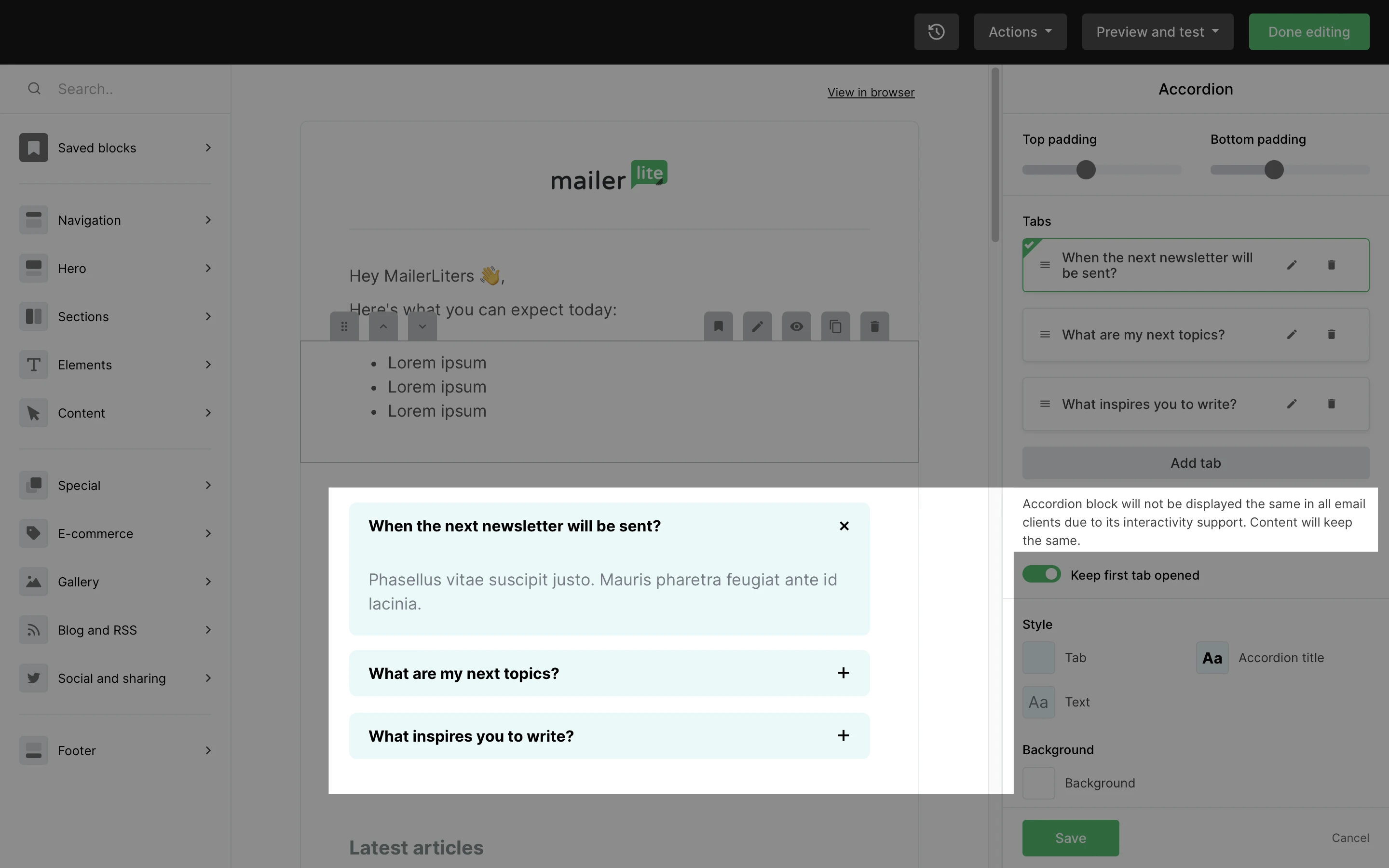
Note: If an email application doesn’t support the Accordion or Carousel block, the block will still be displayed statically. Accordions will be opened by default, and all Carousel images will be displayed at once.
Check out our Troubleshooting section for more quick fixes!