MailerLite vs. Substack
MailerLite: A more empowering Substack alternativeSubstack made it easy to start writing. MailerLite makes it possible to build a business around your work. Paid subscriptions, digital products, client bookings, automations, and 150+ integrations—all under one roof, for one flat monthly fee with 0% MailerLite commission.
Slider
Slider-



Artist Remon de Jong fills his email list with potential buyers and exhibition attendees with a well-timed pop-up on his MailerLite website.
- Remon de Jong, Artist4,500+ Subscribers -



“We use MailerLite to direct everyone to our main product.”
- Scott Baptie, founder of Food for Fitness100,000+ Subscribers -



“The A/B testing capabilities have been great. We can see exactly what kind of messaging resonates with our audience and what doesn't, which helps us refine our strategy and make our communication more effective.”
- Claire Fitzsimmons, founder of Salty50,000+ Subscribers1,500+ Paid members
Trusted by creators building real businesses with email



You've outgrown Substack. You just haven't left yet.
Substack is a great place to find your voice. But once you're ready to turn that voice into a sustainable business, its limitations start to show.
 The more you earn, the more you pay.
Substack's 10% commission scales with you. If you have 1,000 paid subscribers at $10/month, you're handing $1,000 every single month (before Stripe fees). That's huge!
 You own your list, but not your revenue.
Substack is designed to keep your paying subscribers inside its ecosystem. But as you scale and your needs grow, moving your audience becomes complex. The bigger your paid audience, the harder it is to leave.
 Your business needs more than a newsletter.
Paid subscriptions are one way to earn. But what about e-books, courses, templates, or paid consultations? Substack has none of that. So you keep gluing together (and paying) for separate tools.



“I love to use the AI feature of MailerLite to bounce ideas back and forth. Since I'm not a native speaker, it helps me in figuring out the best way to say certain things.”
How does MailerLite help you build a creative business on your terms?
Whether you're converting readers to paid subscribers, selling a digital product, booking consultations, or nurturing a free list into a loyal paying audience, it all lives in one place and works together on MailerLite.

Earn more from every subscription
What you’ll pay on Substack depends on what you charge for your newsletter. Let’s say you charge $10, here’s what you’ll spend on MailerLite vs Substack.
| MailerLite Power plan Prices may be higher if you also have free subscribers. Stripe fees not included |
Substack Stripe fees not included |
| Service fee | $0/month | $0/month |
| Sales fee | 0% | 10% |
| Processor fee | Stripe | Stripe |
| Price for 400 paid subscribers | $25/month | $400/month |
| Price for 2,000 paid subscribers | $49/month | $2,000/month |
| Price for 5000 paid subscribers | $69/month | $5,000/month |
| Price for 10,000 paid subscribers | $129/month | $15,900/month |
Try MailerLite free for up to 250 subscribers
Not ready to charge for your newsletter? Start with a free plan on MailerLite for up to 250 subscribers.
Scale your newsletter and keep more of your revenue
Substack is a nice option for beginning writers who want to monetize their newsletter content. However, as your audience grows, you may find yourself needing functionality that Substack doesn’t yet offer. At that point, it can be helpful to move to—or connect with—a dedicated email marketing tool.

Everything independent creators like you need, in one place
 Keep most of what you earn
MailerLite charges a flat monthly fee and takes 0% commission on your paid subscriptions. Only Stripe fees apply.
 Sell beyond the subscription
Books, guides, templates, courses, photography prints—sell digital products directly through MailerLite with no additional platform required.
 Book paid and free appointments
Accept 1:1 or group session bookings directly through MailerLite. Coaching calls, manuscript consultations, creative workshops, live Q&As. Your calendar. Your rates.
 Automate your entire reader journey
Build behavior-triggered workflows that welcome new subscribers, convert free readers to paid, re-engage the inactive, and upsell your products—while you're busy writing.
 Newsletters that look unmistakably like you
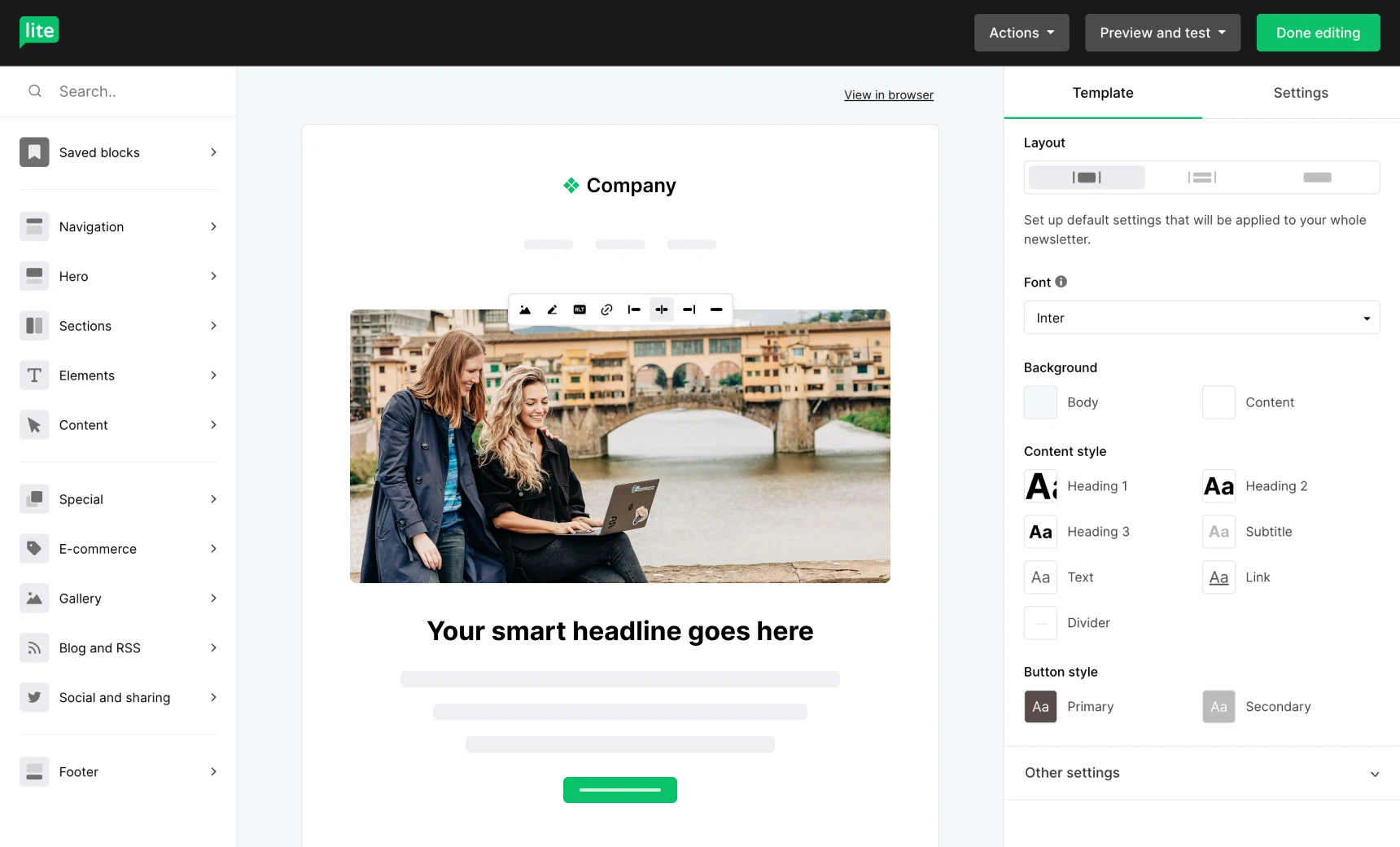
MailerLite gives you 70+ content blocks, brand style settings, and a drag-and-drop editor to build newsletters that reflect your creative identity.
 Connect everything you already use
150+ integrations including WordPress, Canva, Shopify, WooCommerce, BookFunnel, Deadline Funnel, Wix. Substack's API is closed. Ours isn't.
Why stop at a paid newsletter? Sell digital products, too!
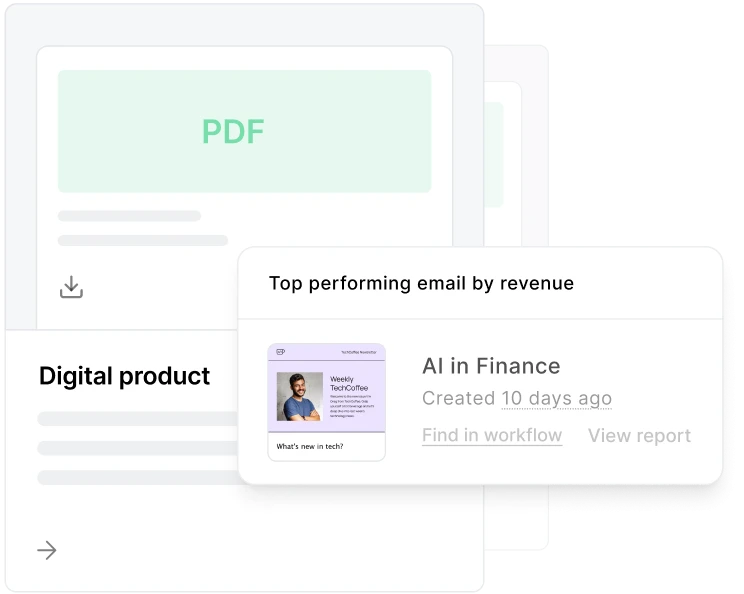
Add a new revenue stream to your paid newsletter with digital products. With MailerLite you can easily sell and manage your digital products, while detailed sales reports show how well your emails are performing.
Build and template your own branded newsletters
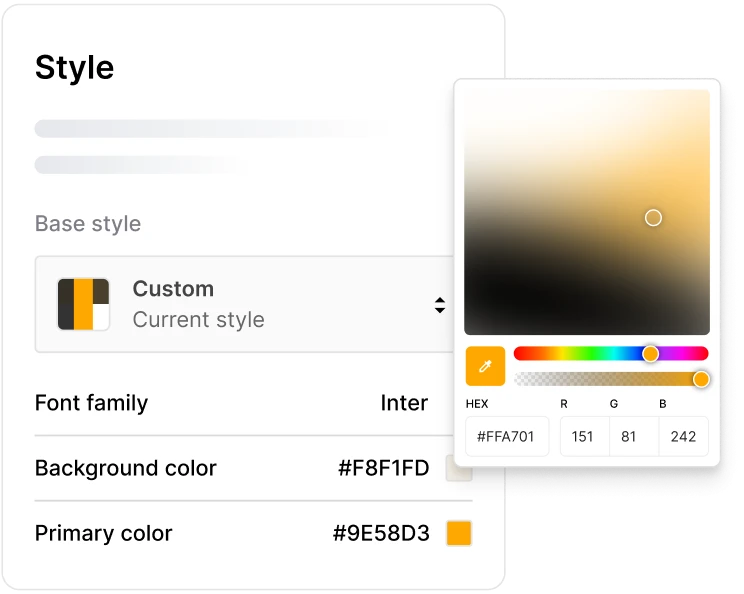
While Substack provides a very clean writing and editing platform, some creators wish they could add their own creative flair to their newsletter’s branding. MailerLite makes it easy to create on-brand, engaging newsletters.
3 automations to build on MailerLite
What funnels are writers and creators like you building on MailerLite to drive more passive income?
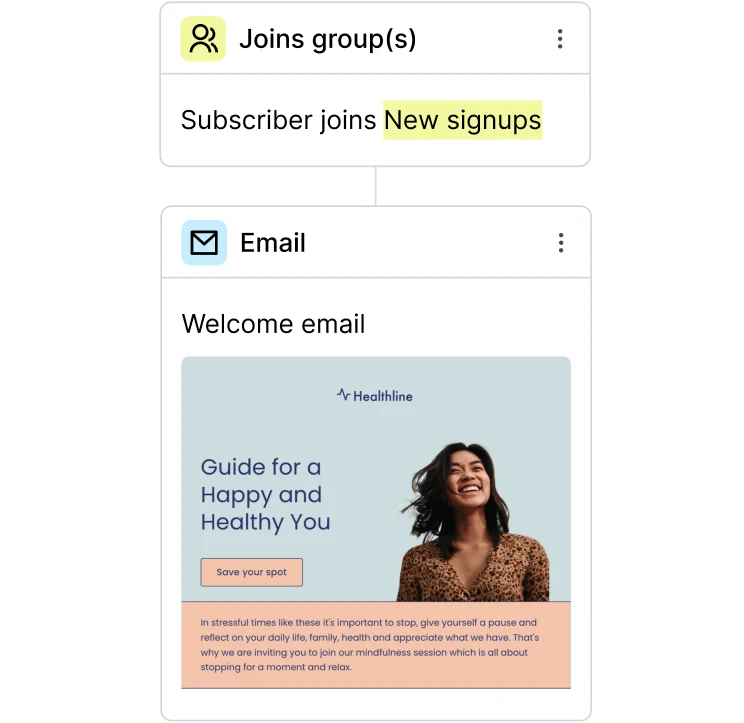
Introduce subscribers to your story, let them know how often they’ll be hearing from you, share 1-2 past issues of your paid newsletter then send a final email with an offer to sign up.
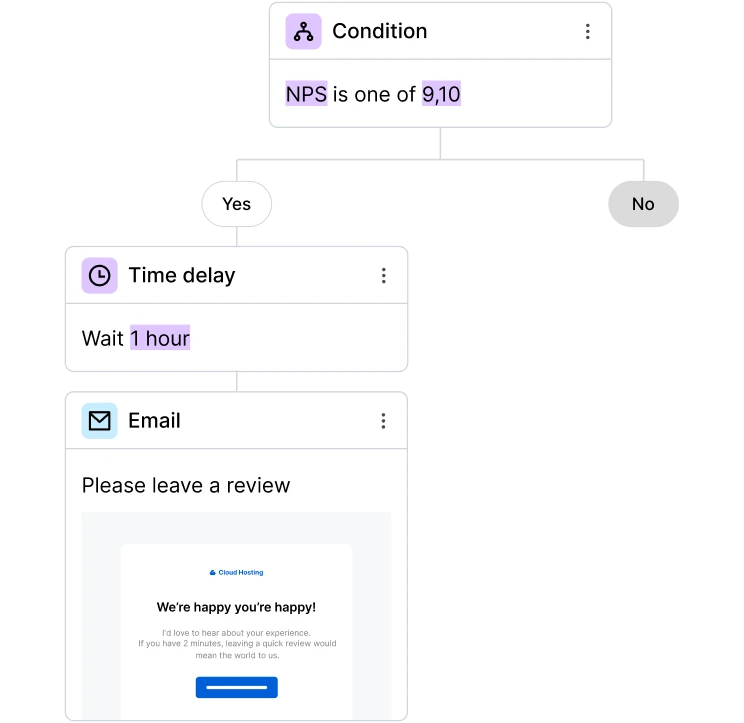
Use a time-based delay based on your publishing schedule to send a request for a testimonial after a subscriber will have received 3-5 newsletters. You can use our survey block to collect the responses!
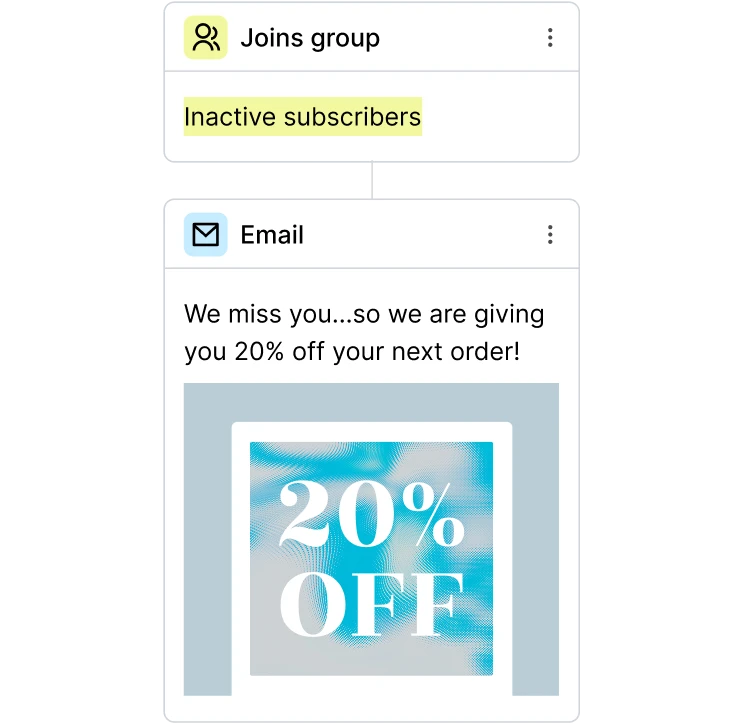
MailerLite automatically creates a segment of “inactive subscribers”. You can use this to send a re-engagement campaign.
Know your audience like never before
Improve engagement with your newsletter thanks to built-in analytics and heat maps that show what subscribers like.

Of all our 150+ integrations, creators love these 3 the most
One of the downsides with Substack is that its API isn’t publicly available, meaning it can’t integrate with other tools. But we’ve got 150 and counting!
 Wordpress
Use the official MailerLite signup form plugin to add embed signup forms and pop-ups to your WordPress site.
 Canva
Canva
Add the graphics and images you create in Canva to your MailerLite Image Library in a couple of clicks.
 Payhip
Using Payhip to sell digital products already? Add customer data to MailerLite to personalize email campaigns.

Forms and landing pages
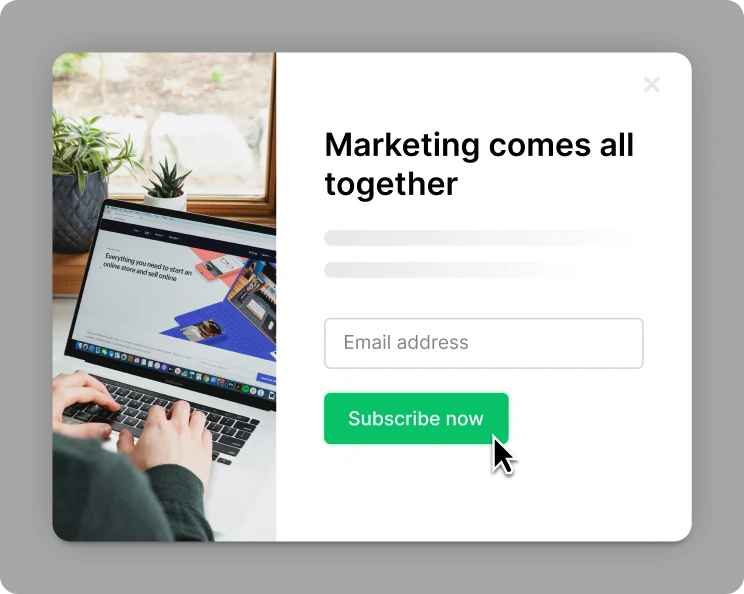
From pop-ups to dedicated landing pages, every paid plan on MailerLite includes access to the assets you need to promote your newsletter and generate more subscribers.
Work smarter with powerful AI tools
Turn AI tools like ChatGPT into your own email assistant with our MCP server. Use it to analyze data and get ideas for content your audience will love. Plus, built-in AI features can generate images, optimize email sending, draft newsletters and create branded landing pages in minutes.

"Once someone subscribes to our newsletter, they are 40 times more likely to become a paying customer."
Ready to build more than a newsletter?
Take MailerLite for a spin—free for 14 days, no credit card required. Explore the automation builder or set up a paid subscription. Everything in one place, working together from day one.
Full feature comparison: MailerLite vs Substack
| MailerLite | Substack |
| Paid newsletter subscriptions | ||
| 0% commission | No (10% commission) | |
| Multiple subscription tiers | ||
| Sell digital products (native) | ||
| Appointment booking — paid & free | ||
| Shoppable landing pages | ||
| E-commerce integrations | ||
| Built-in subscriber referral programme |
| Multi-step email automation builder | ⚠️ In limited rollout with a small number of templates | |
| Automation split testing | ||
| Automation templates | ||
| Multiple trigger automations | ||
| Automated email sequences | ||
| RSS campaigns | ||
| API documentation |
| Landing page templates | ||
| Create your own landing page template | ||
| Custom domains | ||
| A/B split testing | ||
| Click maps | ||
| Blogs | ||
| Password protected pages | ||
| Custom code injection |
| Custom date range reports | ||
| List growth reporting | ||
| Click maps | ||
| Ecommerce sales tracking | ||
| Automation real-time reports | ||
| Tracking and campaign reports | ||
| Subscribe & unsubscribe notifications | ||
| Comparative reporting | ||
| Basic open & click rate analytics | ||
| Subscriber growth reporting |
| Knowledge base | ||
| 24/7 email support | ||
| Live chat support | ||
| Email marketing academy | ||
| Video tutorials | ||
| Migration support |
Getting started is easy

Bring your audience with you
Export your subscriber list from Substack and import it into MailerLite in minutes. Our migration guides walk you through every step, and our support team is there if anything gets complicated. You won't be doing this alone.

Set up your revenue streams your way
Connect Stripe and launch your paid newsletter. Upload your first digital product. Open your booking calendar. All revenue streams live in the same place, feeding into the same audience, tracked in the same dashboard.

Build once, earn on autopilot
Create a welcome sequence that introduces new readers to your world and moves them toward your paid products. Set up a re-engagement flow for dormant subscribers. Build a product funnel that sells while you sleep.
All features unlocked during trial. No credit card required.
“I’ve been with MailerLite for the longest time and I can’t see myself moving.”
But I've already built my audience on Substack…
And other questions you might have…
Is MailerLite better than Substack?
While we think we’re the bees knees, “better” is subjective. As a dedicated email marketing platform there are many things that MailerLite does that Substack currently doesn’t. For example, MailerLite is a much better option if you’re looking for more analytics, automation capabilities, and the ability to better personalize emails to your subscribers. We also have features that allow creators to sell digital products and build out fully-fledged websites and blogs. If you aren’t looking for any of those then Substack might be fine for you.
What are the downsides of Substack?
While Substack does many things well, it does have its downsides which cause many creators to seek out alternatives. These include:
Weak automation capabilities so it’s hard to build out things like automated sales funnels
Revenue sharing: Substack takes 10% of all your earned income through paid subscriptions. This can get very expensive as you grow and make you want to seek out a platform that charges a flat rate instead
Lack of branding options: Substack has a nice editing environment, but the inability to brand your emails or Substack site can make it harder for your newsletters to stand out
I already have paid subscribers on Substack. How can I move them over to MailerLite?
While Substack makes it a bit complex for payment data to be transferred, you can still retain your paid subscribers with the right strategy. Here’s what we recommend:
Segment your paid subscribers and create a personalized re-subscription campaign
Be honest and transparent about why you're making the move. Your subscribers will appreciate your authenticity especially if they’re already invested in your work
Create an onboarding email sequence to welcome your current paid subscribers and invite them to join you on your new platform.
Consider offering a discount to incentivize re-subscribing and make the transition easier
Follow up with a re-subscription email sequence to catch anyone who hasn’t made the move yet
Roll out this change to selected paid subscribers, for example 10% at a time
A thoughtful, well-communicated transition can help retain your paying audience and even strengthen their connection to your work.
Is MailerLite really better for paid newsletters, or just for email marketing?
Both. MailerLite supports paid newsletter subscriptions via Stripe with multiple pricing tiers, free and paid access levels, and dynamic content that shows different content to free and paid readers in the same email. Where MailerLite goes further than Substack is everything around the newsletter, such as, digital product sales, appointment scheduling, automations, integrations, and detailed analytics that help you understand and grow your audience.
What if I want to keep my Substack and use MailerLite alongside it?
That's a perfectly reasonable starting point, and many creators do exactly that—using Substack for publishing while running their email marketing, automations, and product sales through MailerLite. Just note that syncing the two requires manual list exports, since Substack's API is closed. When you're ready to consolidate, we'll be here.
Can I build a website or landing page like I have on Substack?
Absolutely. MailerLite includes a website builder and customizable landing pages, perfect for showcasing your newsletter, promoting your content, or building your brand.
How does MailerLite's pricing actually compare once I factor everything in?
MailerLite's paid plans start at $12/month (billed monthly) and scale based on your subscriber count—not your revenue. You'll also pay standard Stripe processing fees on transactions, just as you would on Substack. The difference is the 10% commission Substack adds on top. On MailerLite, that 10% stays with you, every month, forever.
What support options does MailerLite offer?
MailerLite offers 24/7 email support on our Comfort plan and live chat on our Power plan. Plus, you’ll find a detailed knowledge base, tutorials, and onboarding help to make your move smooth.
Can I try MailerLite before committing?
Yes! You can try all of MailerLite’s features for free for 14 days. You won’t have to sign up with any type of credit card. We also have a generous free plan.